
Content ITV PRO
This is Itvedant Content department
Python Programming Fundamentals
Business Scenario
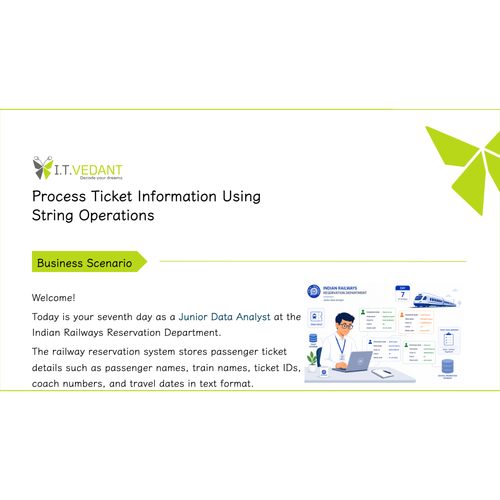
Welcome!
Today is your first day as a Junior Data Analyst at the Indian Railways Reservation Department. The department uses Python programming for automation and data processing.
Your manager has assigned you the task of setting up the Python development environment and learning the basic concepts of Python before working on a real project.
Pre-Lab Preparation
Initially it is important to
Topic : Set Up Python Environment and Run Basic Programs
1) Install Python, Jupyter, VS Code
2) Run Python using IDLE and command prompt
3) Execute basic scripts
1
Task 1: Installation of Python
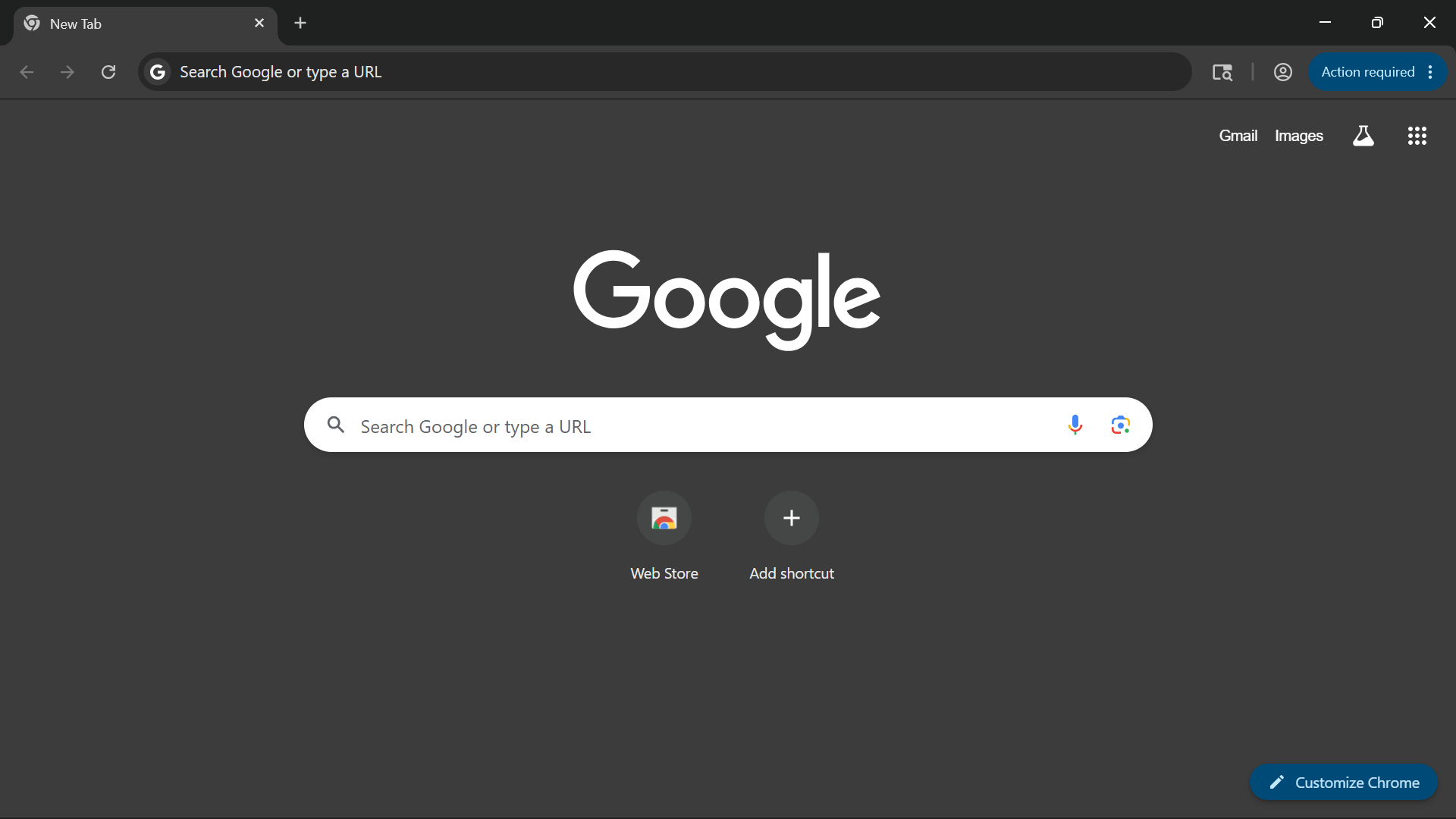
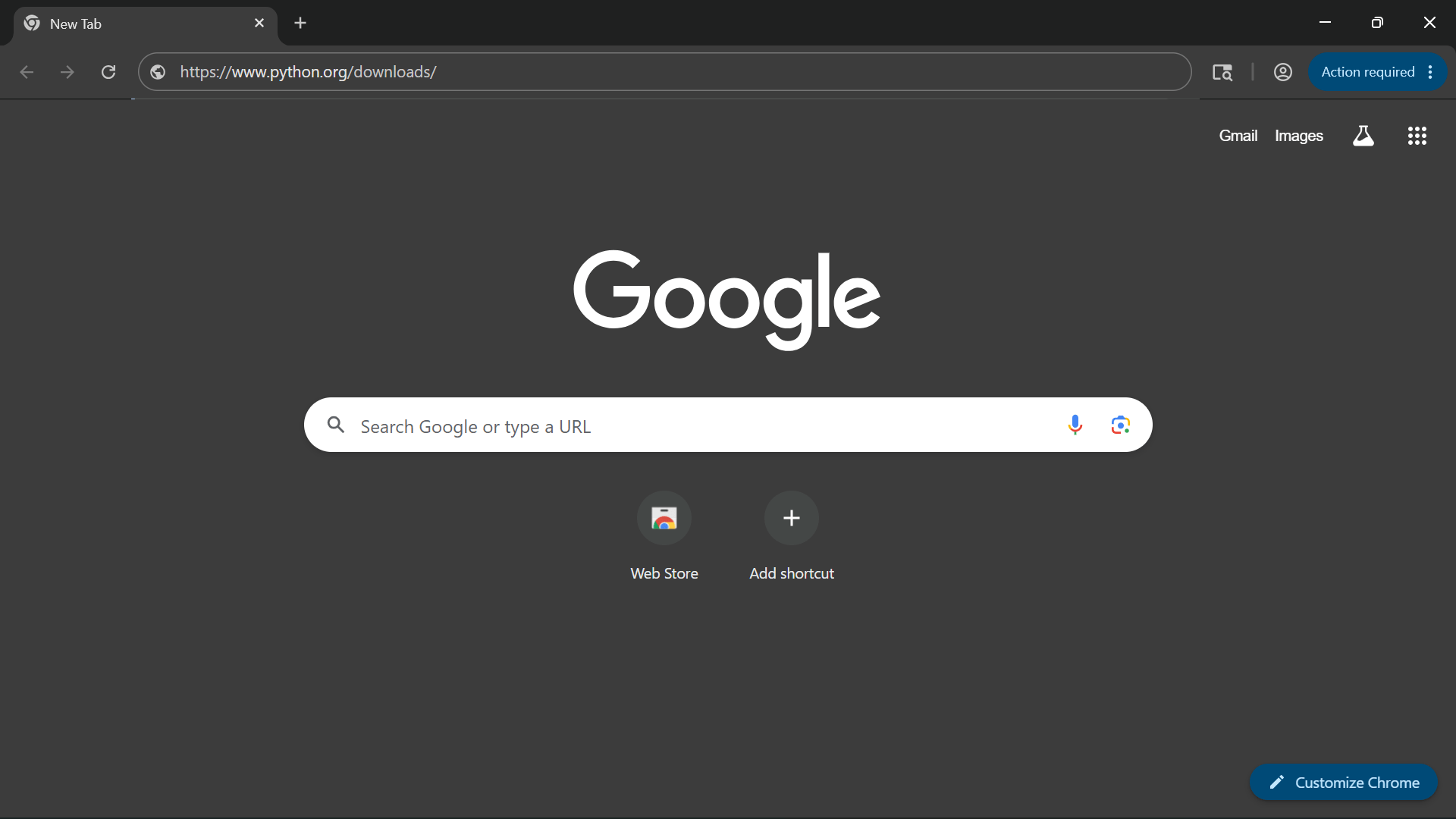
Open any browser, Google Chrome is recommended
Paste the following URL into the browser:
2
3
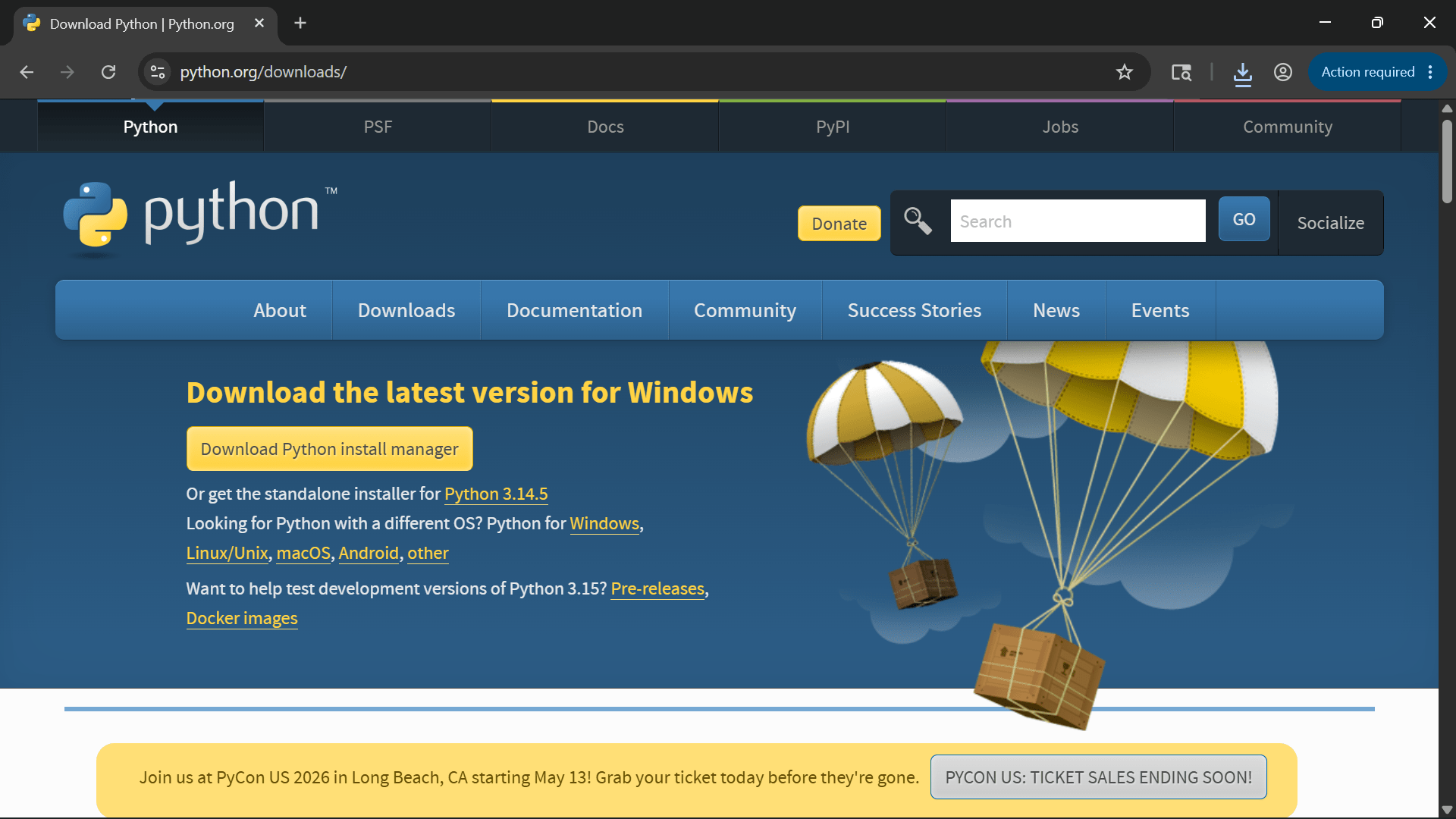
Press Enter and open the official Python website.
Click on the “Download Python” button
4
Wait for the installer file to download.
5
6
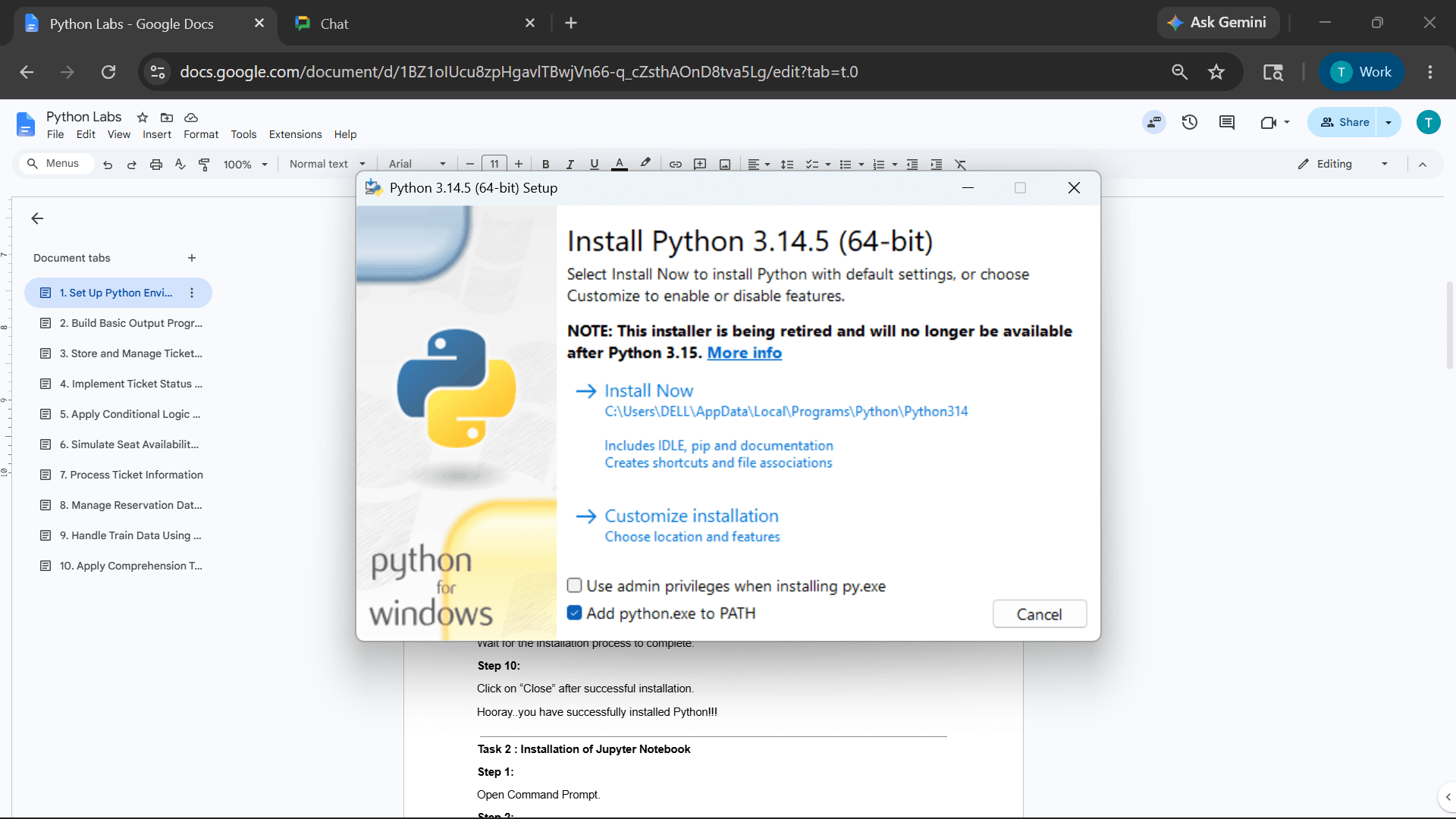
Open the downloaded .exe file.
Select the checkbox: “Add Python.exe to PATH”
7
8
Click on “Install Now”
9
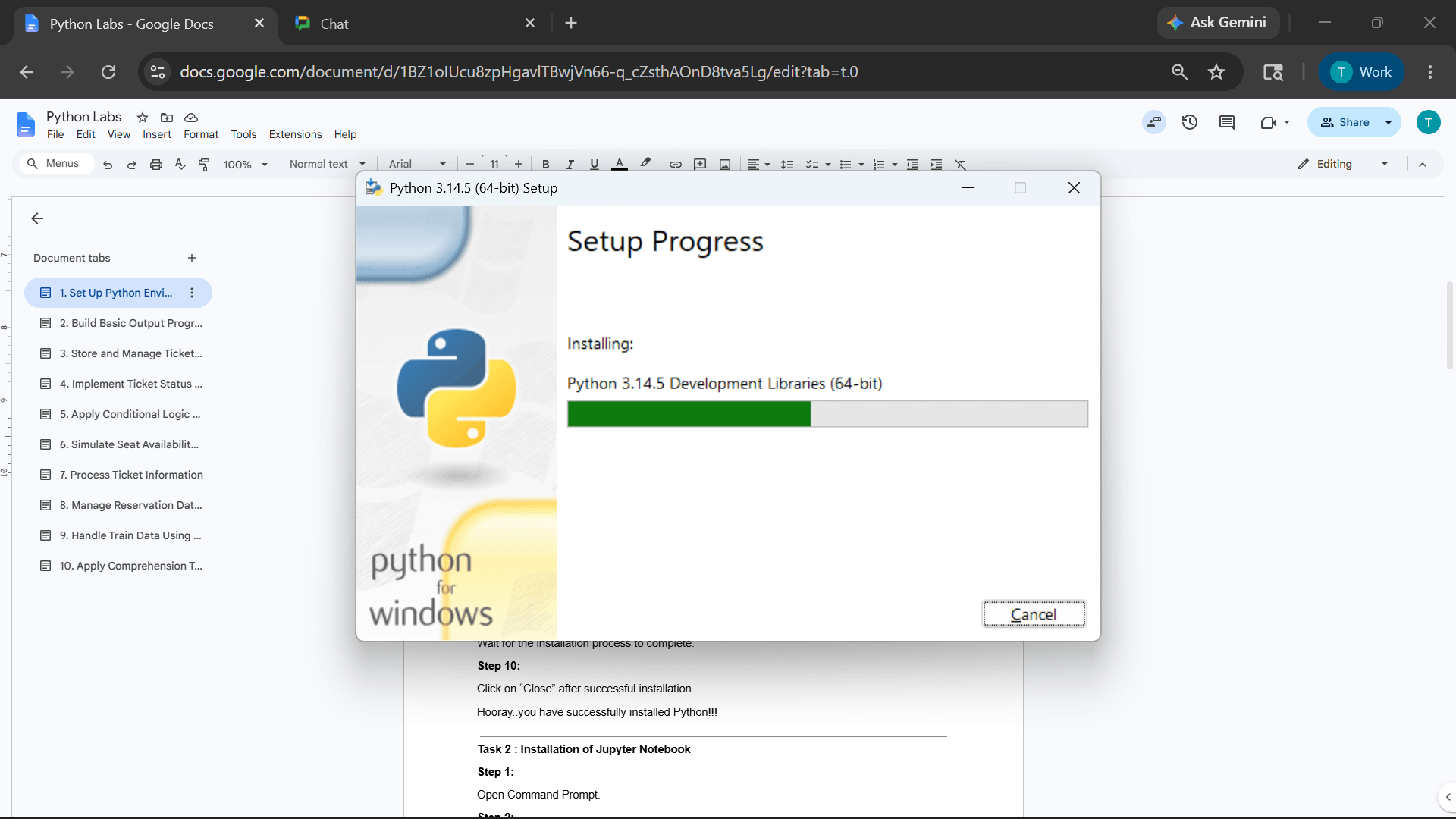
Wait for the installation process to complete.
Click on “Close” after successful installation.
10
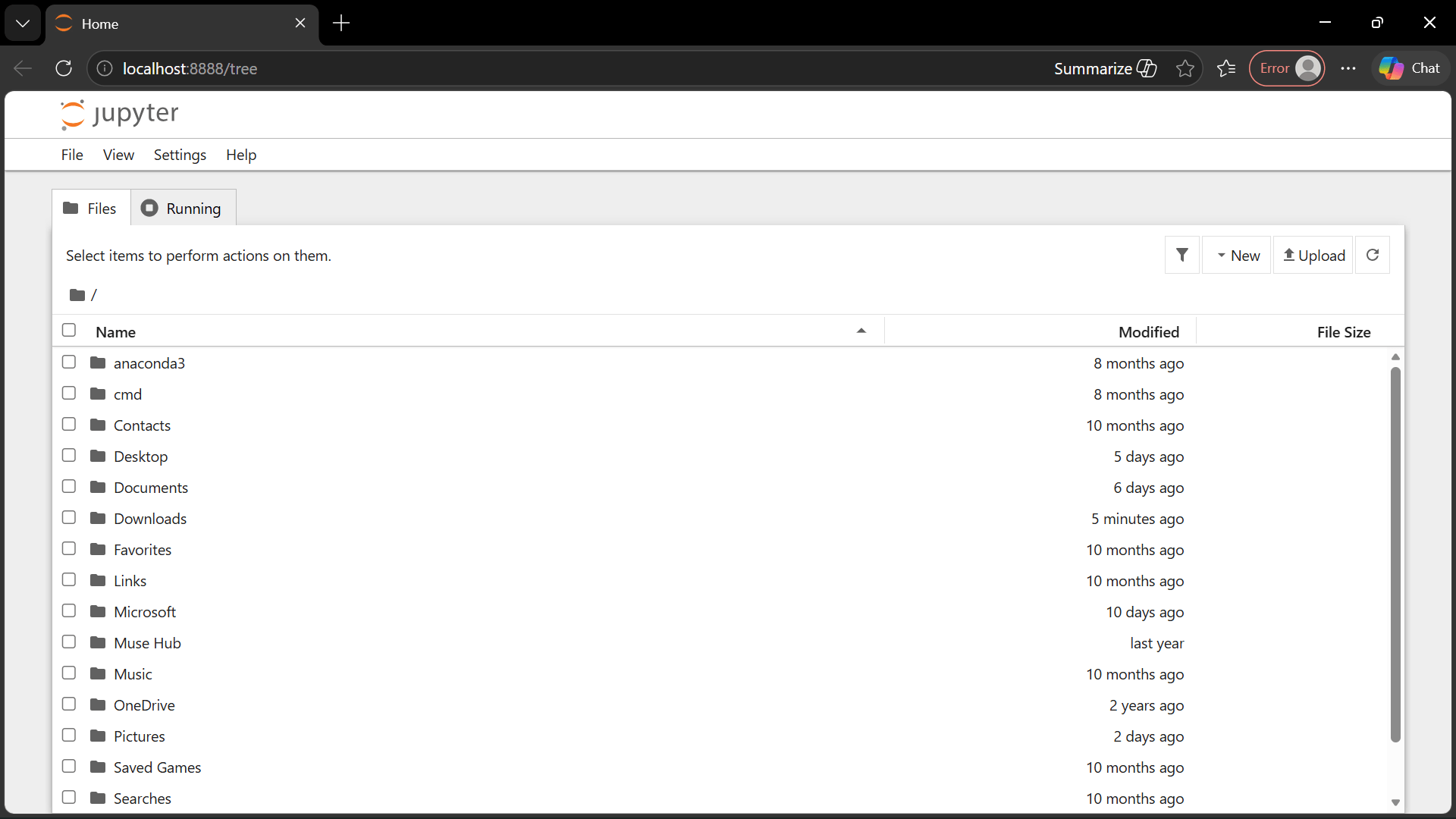
Task 2: Installation of Jupyter Notebook
1
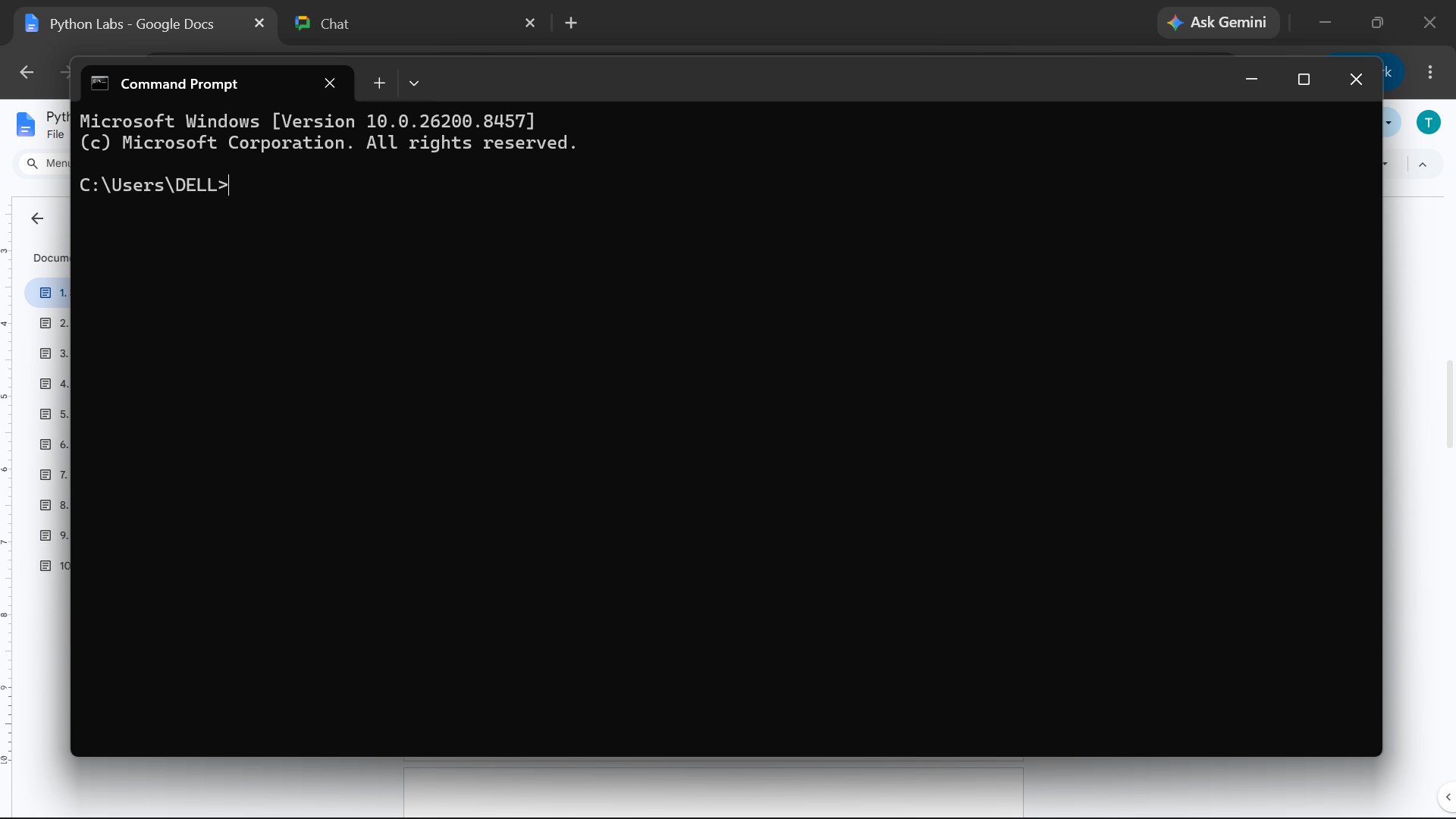
Open Command Prompt
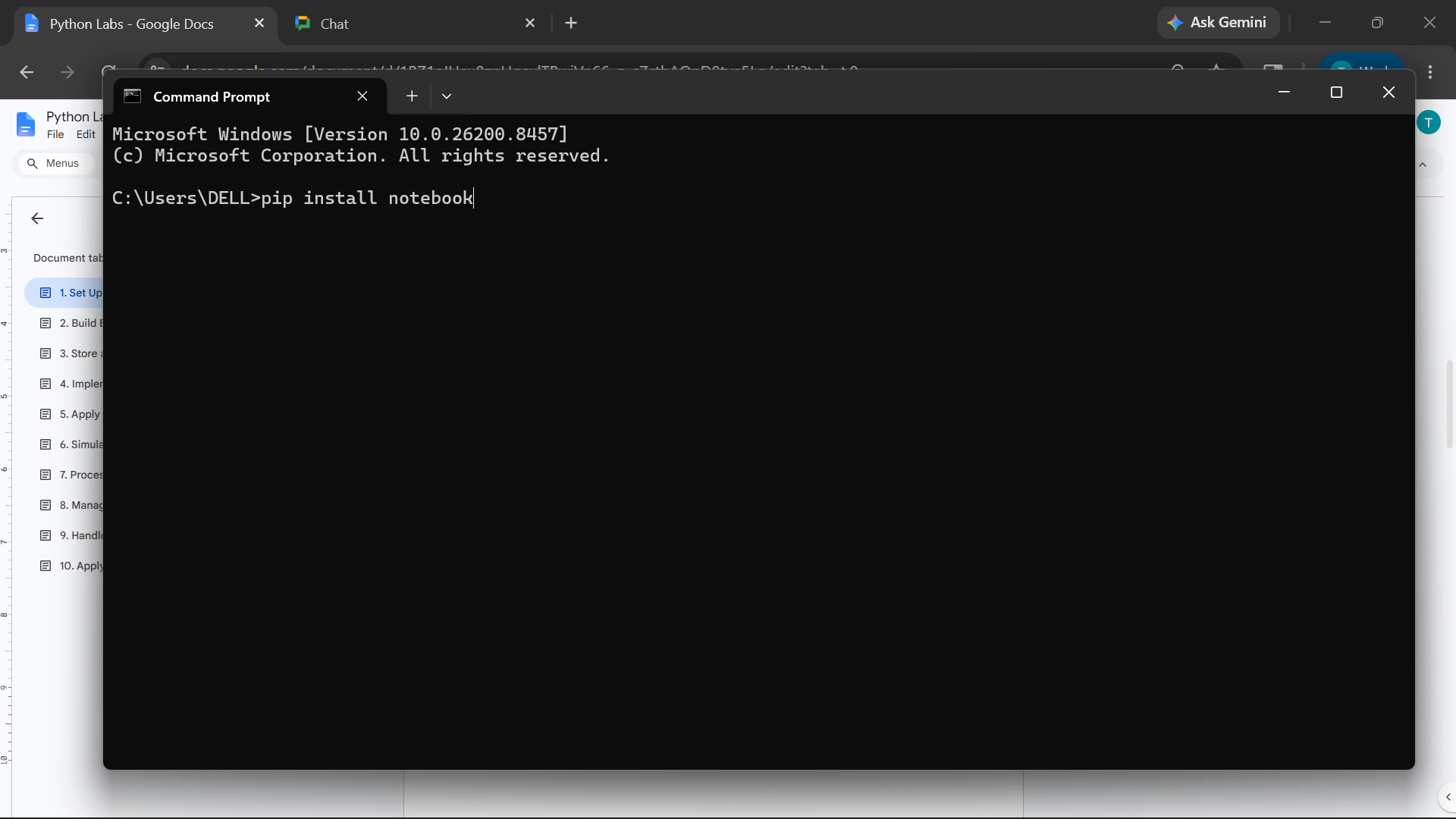
Execute the following command
2
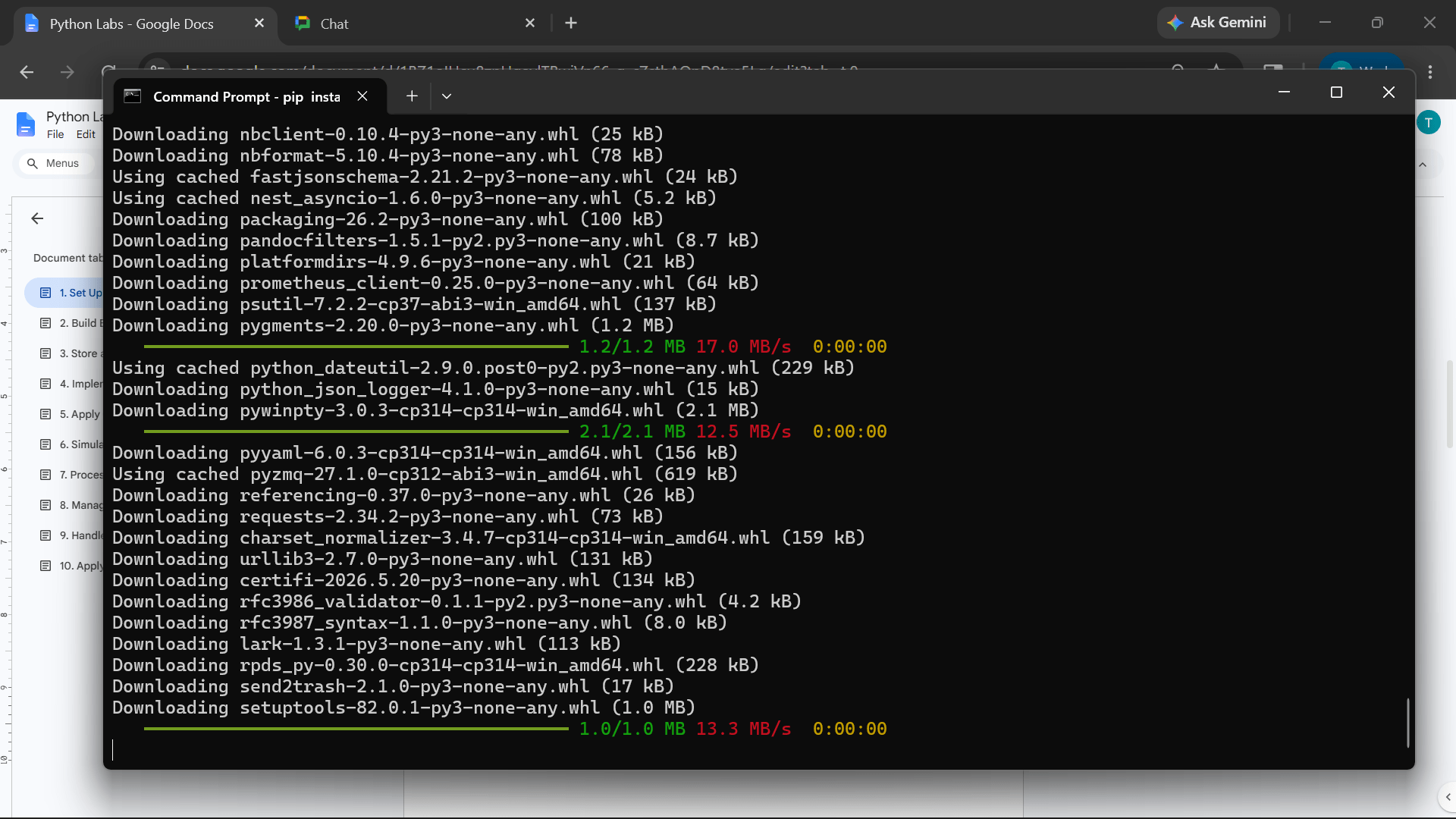
pip install notebook
3
Wait until installation completes successfully.
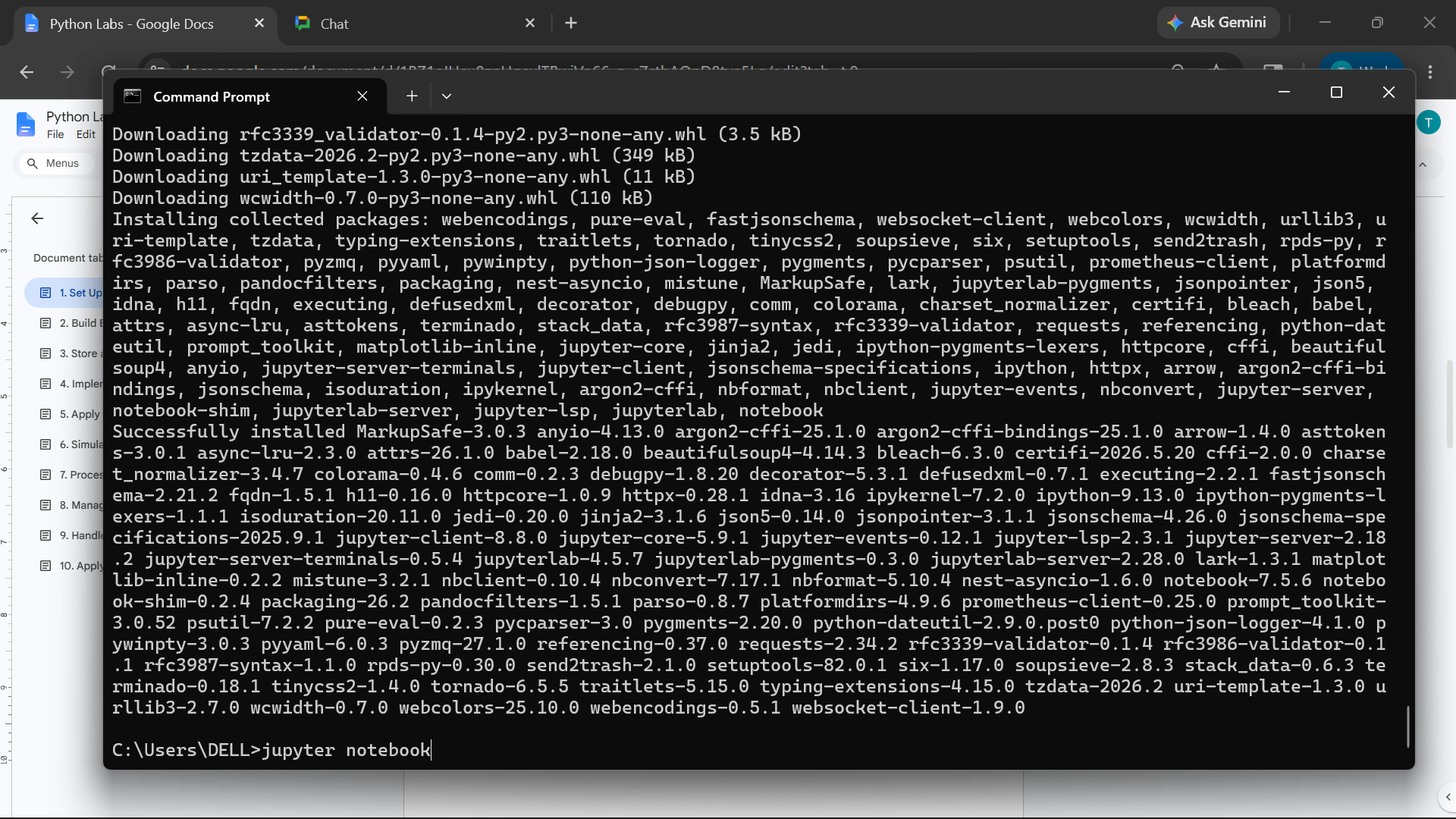
Run Jupyter Notebook using:
4
Jupyter Notebook
Jupyter Notebook will automatically open in the browser
5
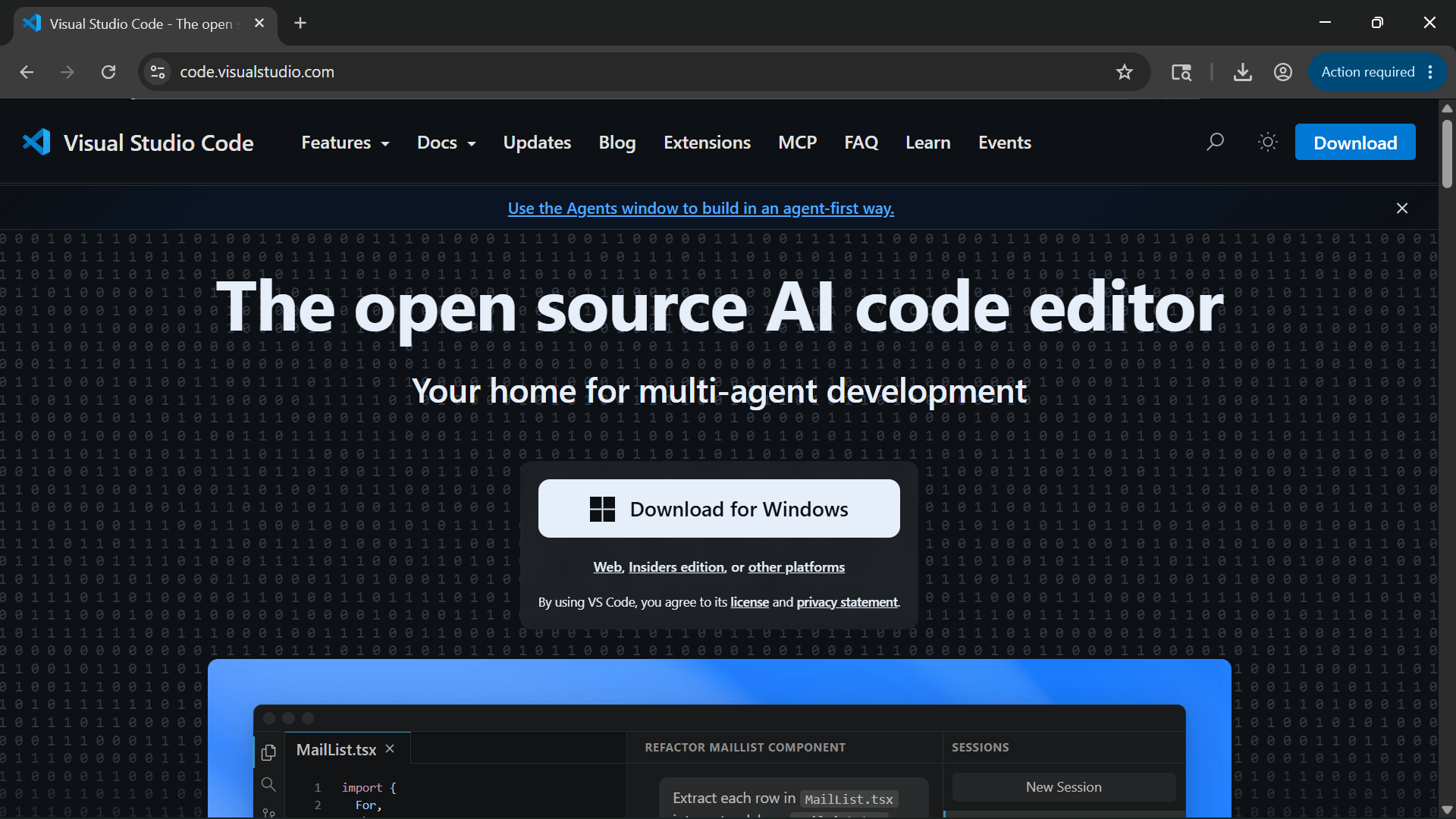
Task 3: Installation of Visual Studio Code (VS Code)
1
Open browser and visit
Click on “Download for Windows”
2
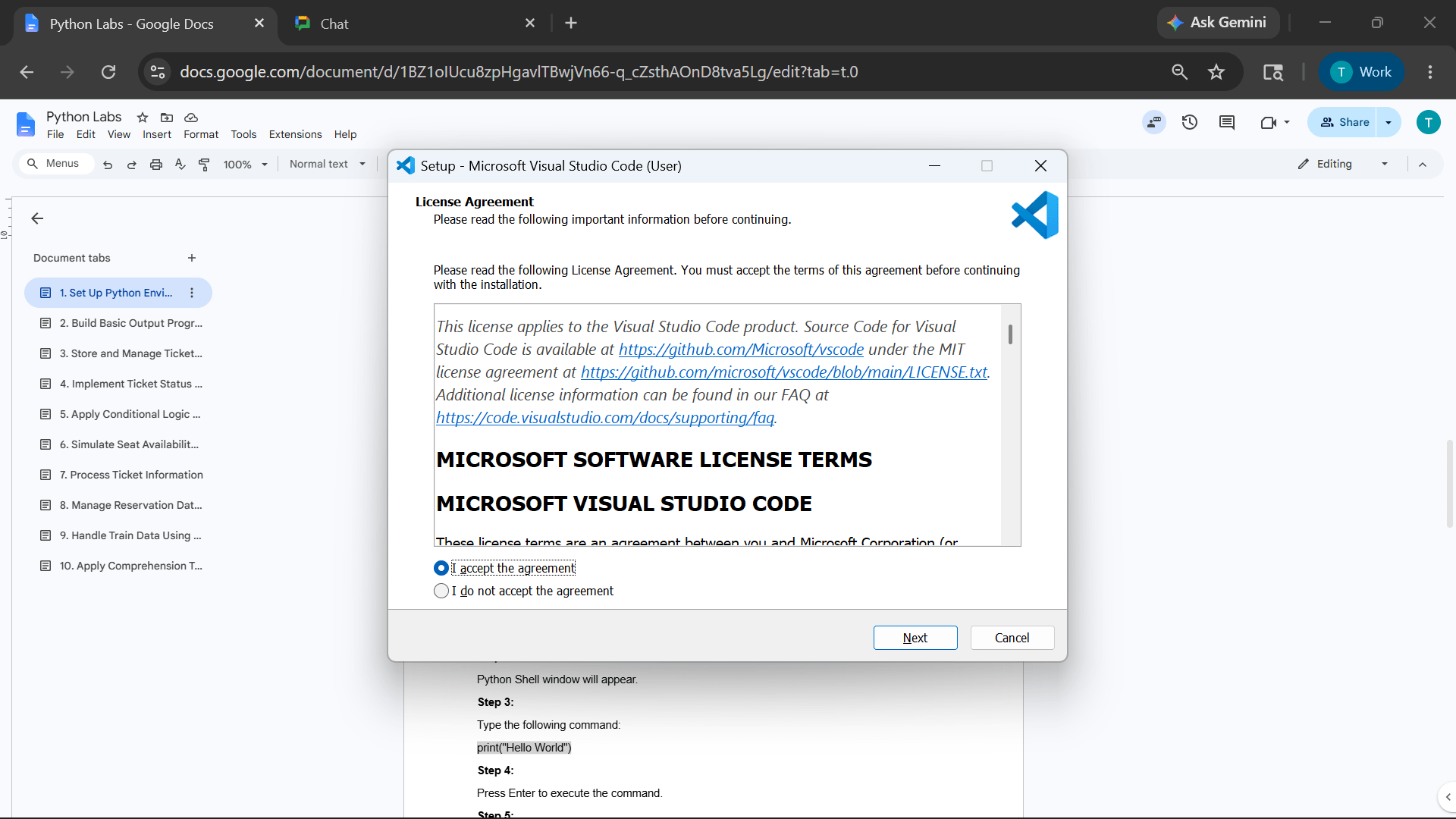
Open the downloaded setup file
3
Accept the license agreement
4
Click on Next and complete the installation process.
5
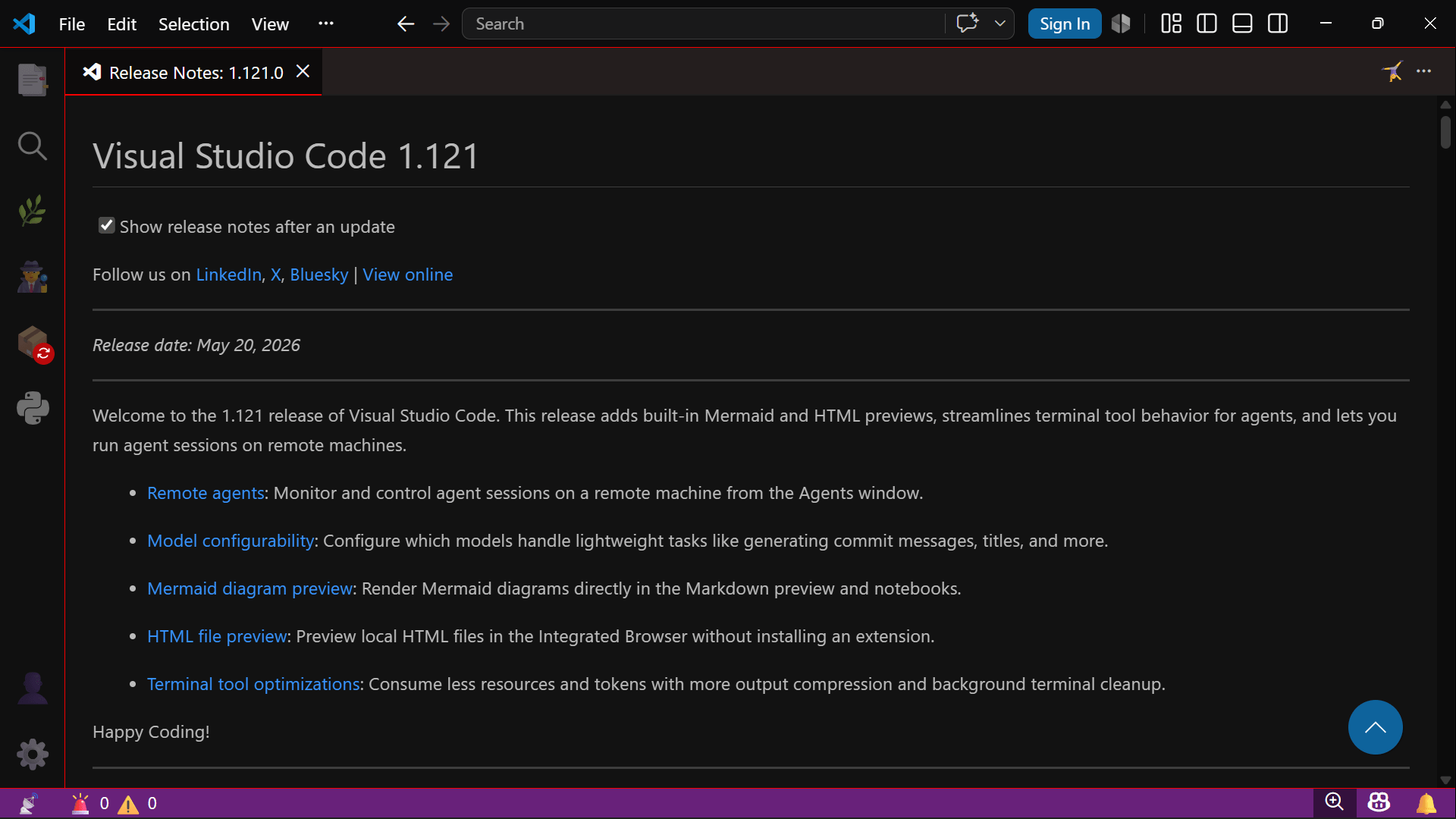
Launch Visual Studio Code.
6
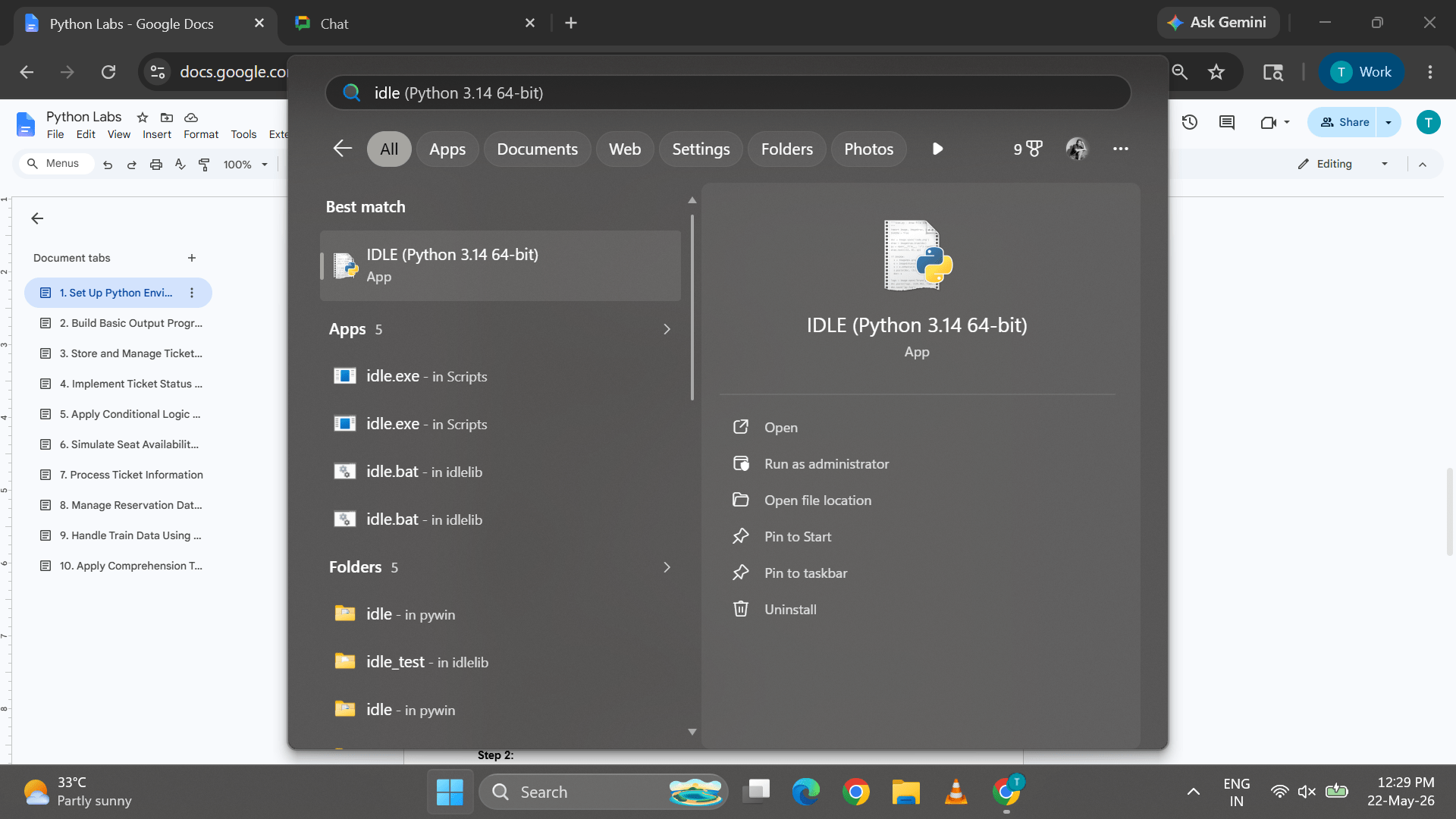
Task 4: Running Python Using IDLE
1
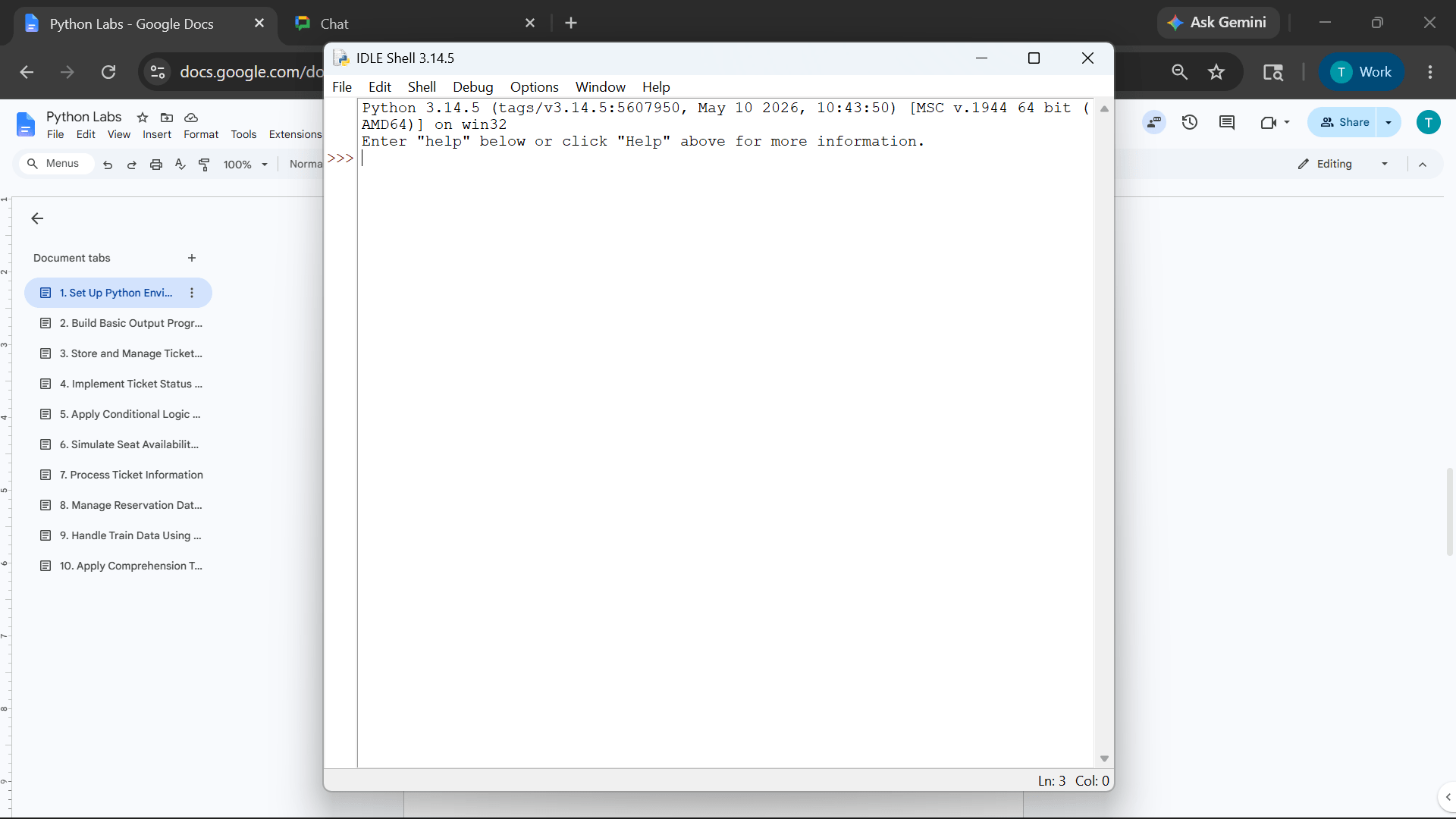
Open Python IDLE from Start Menu
Python Shell window will appear
2
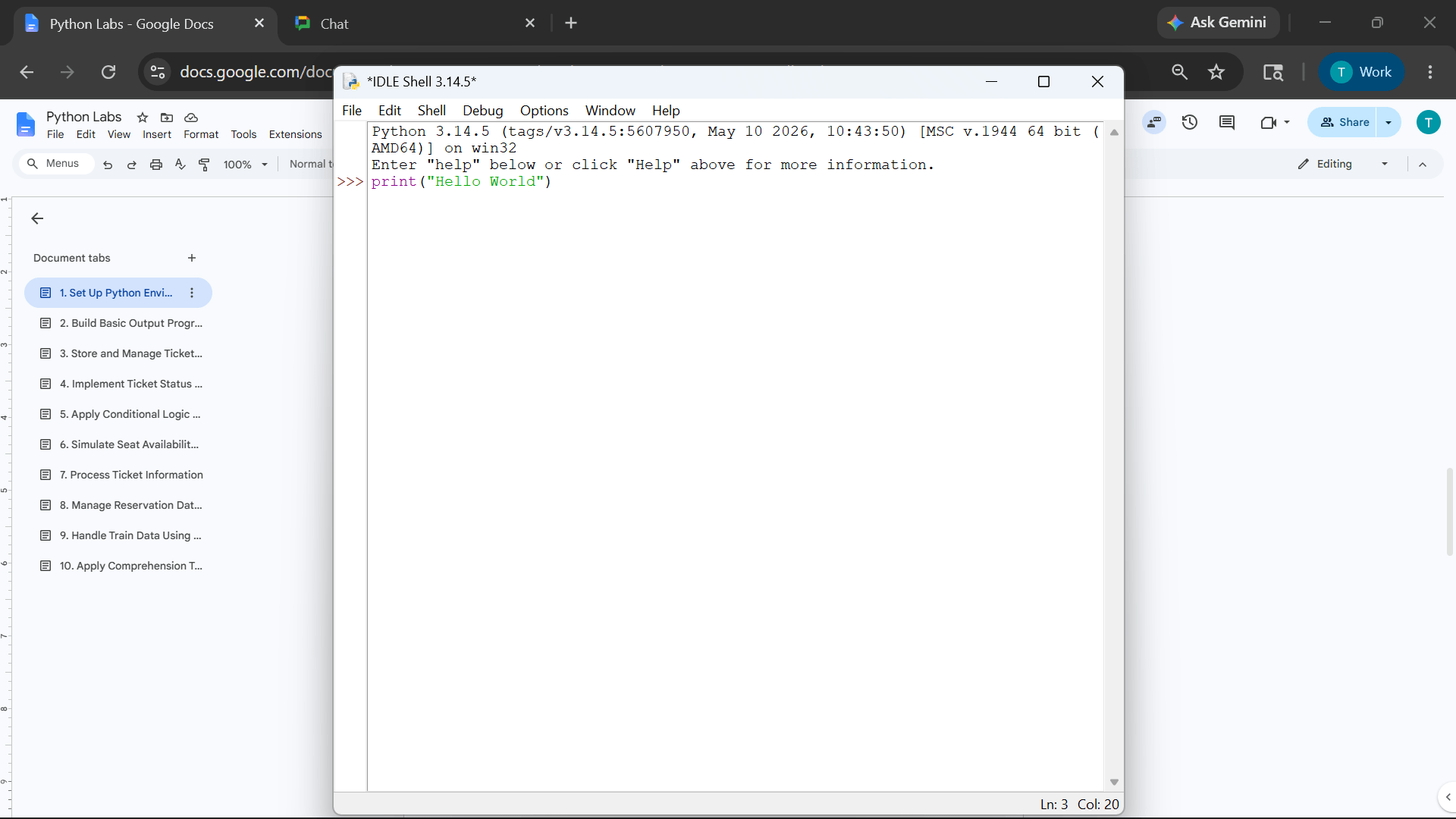
Type the following command:
3
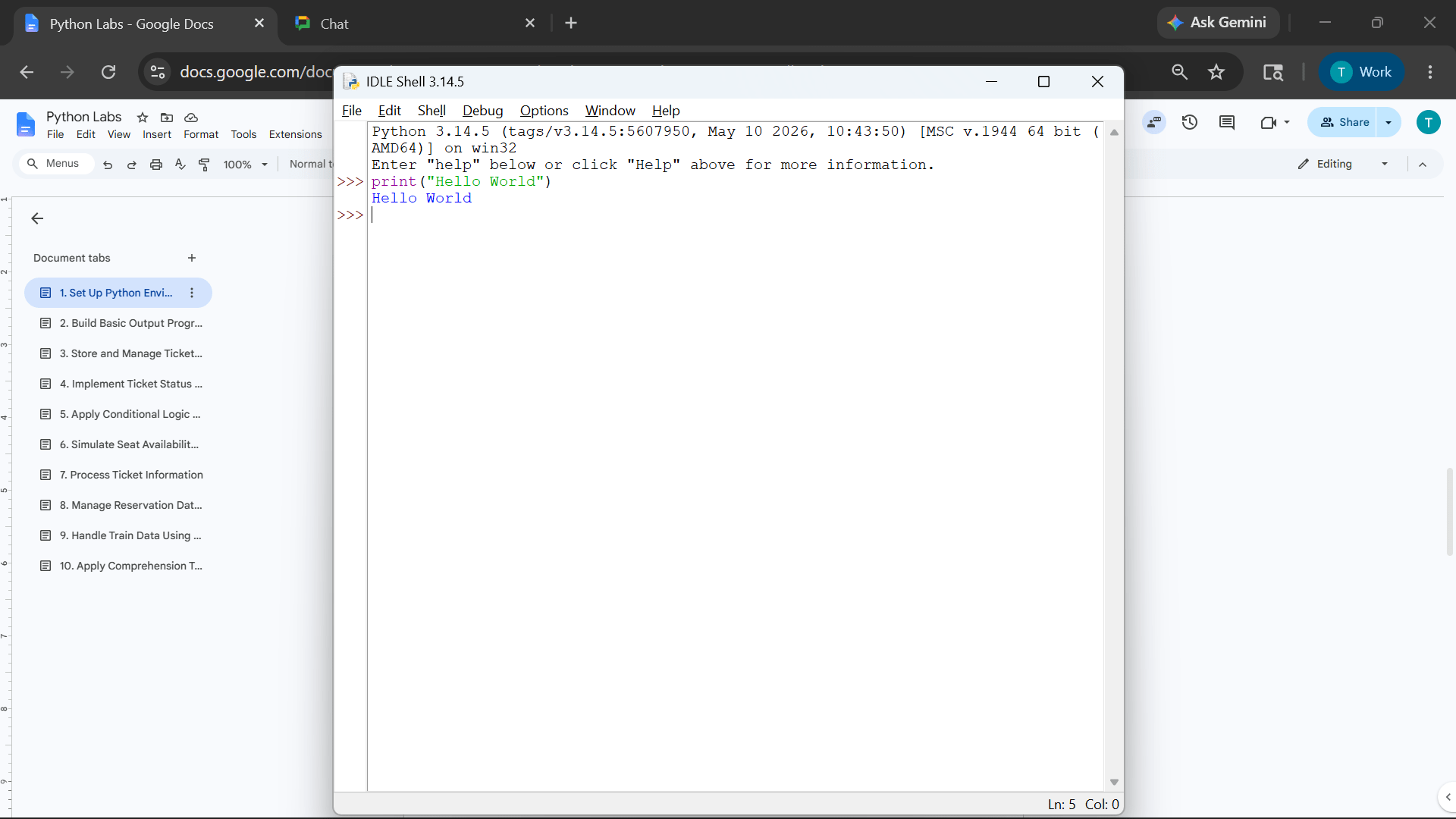
Press Enter to execute the command
4
print("Hello World")Observe the output displayed in the shell
5
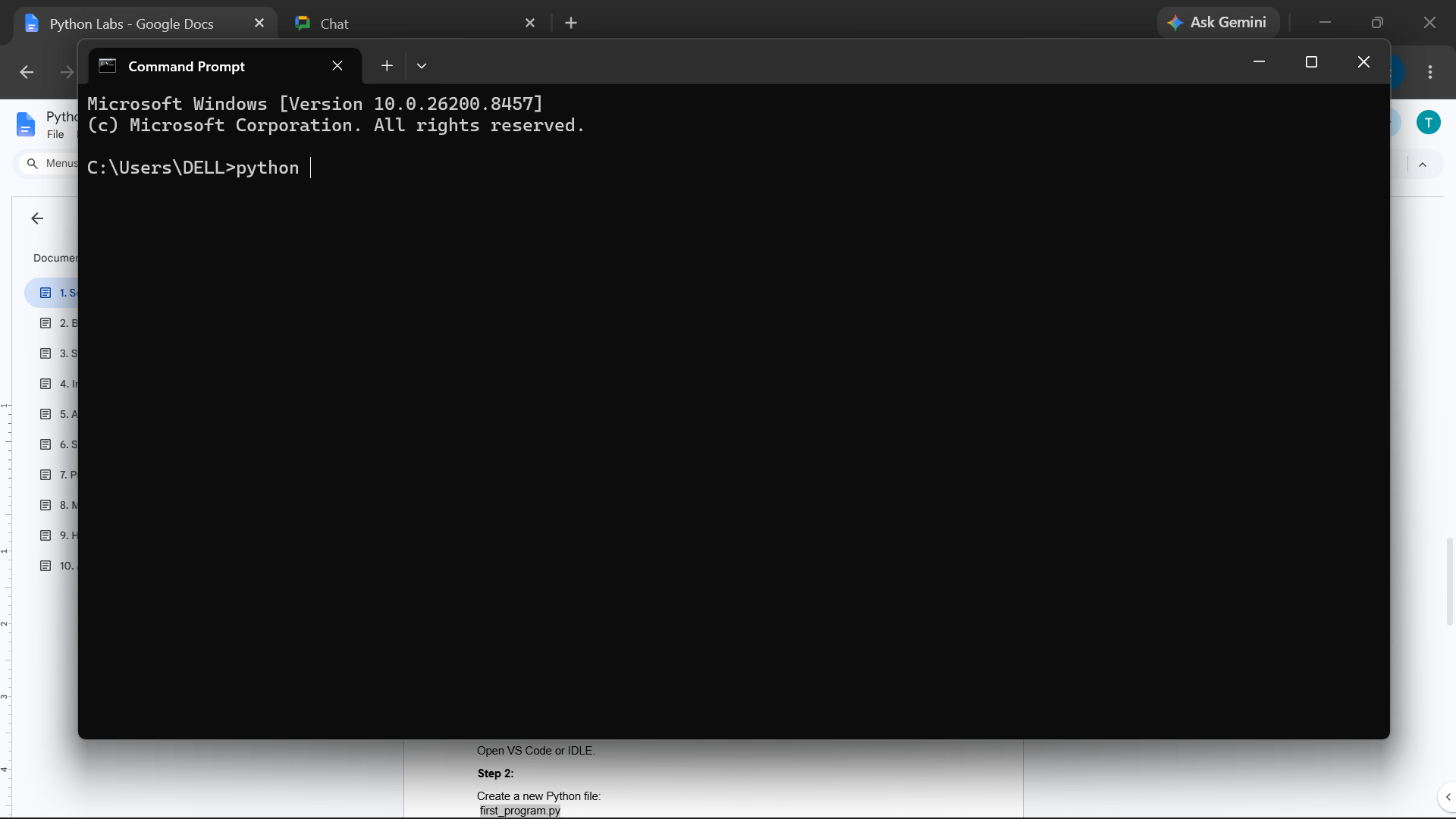
Task 5: Running Python Using Command Prompt
1
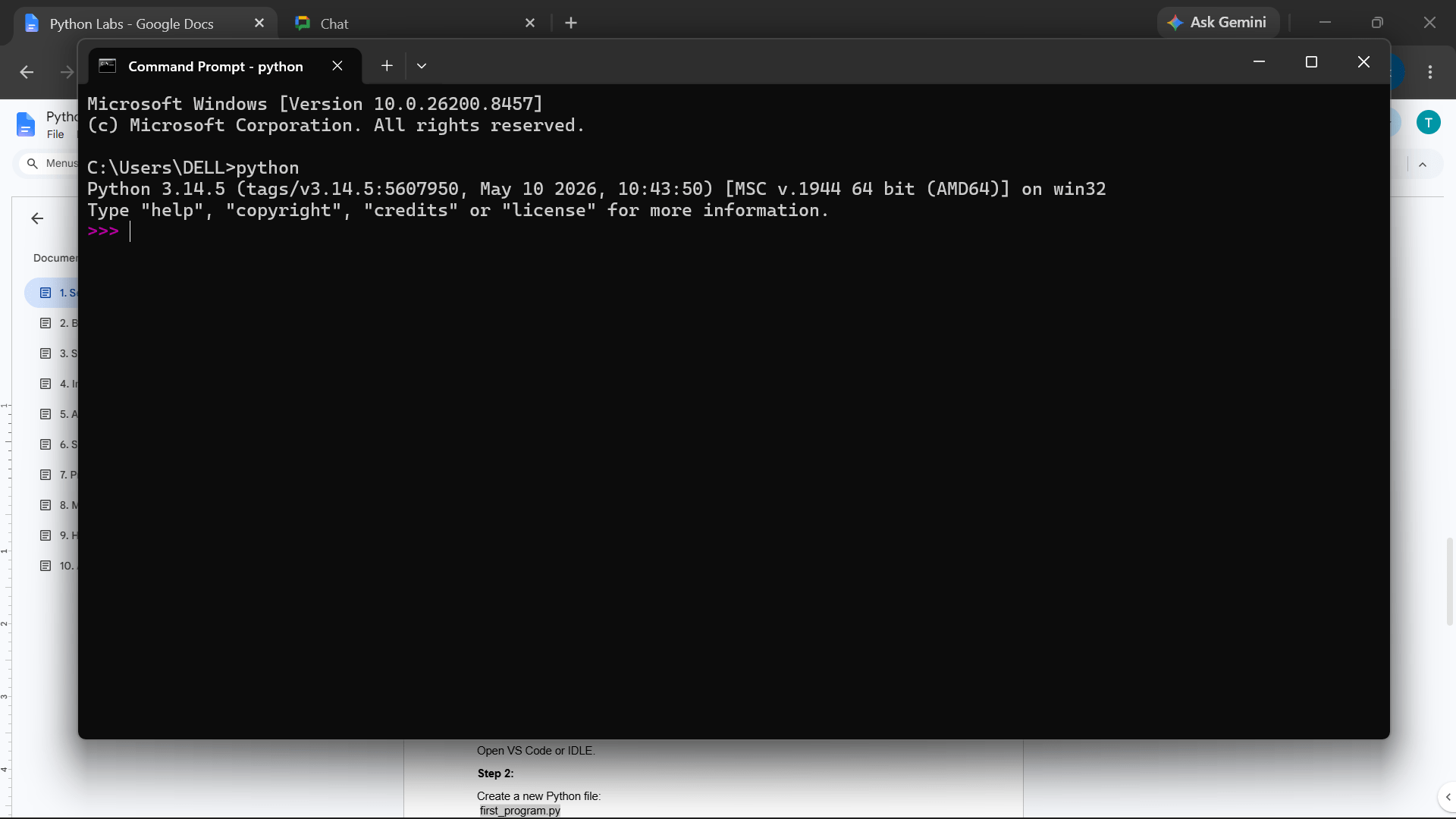
Open Command Prompt
Python Shell window will appear
2
pythonPython interpreter will start
3
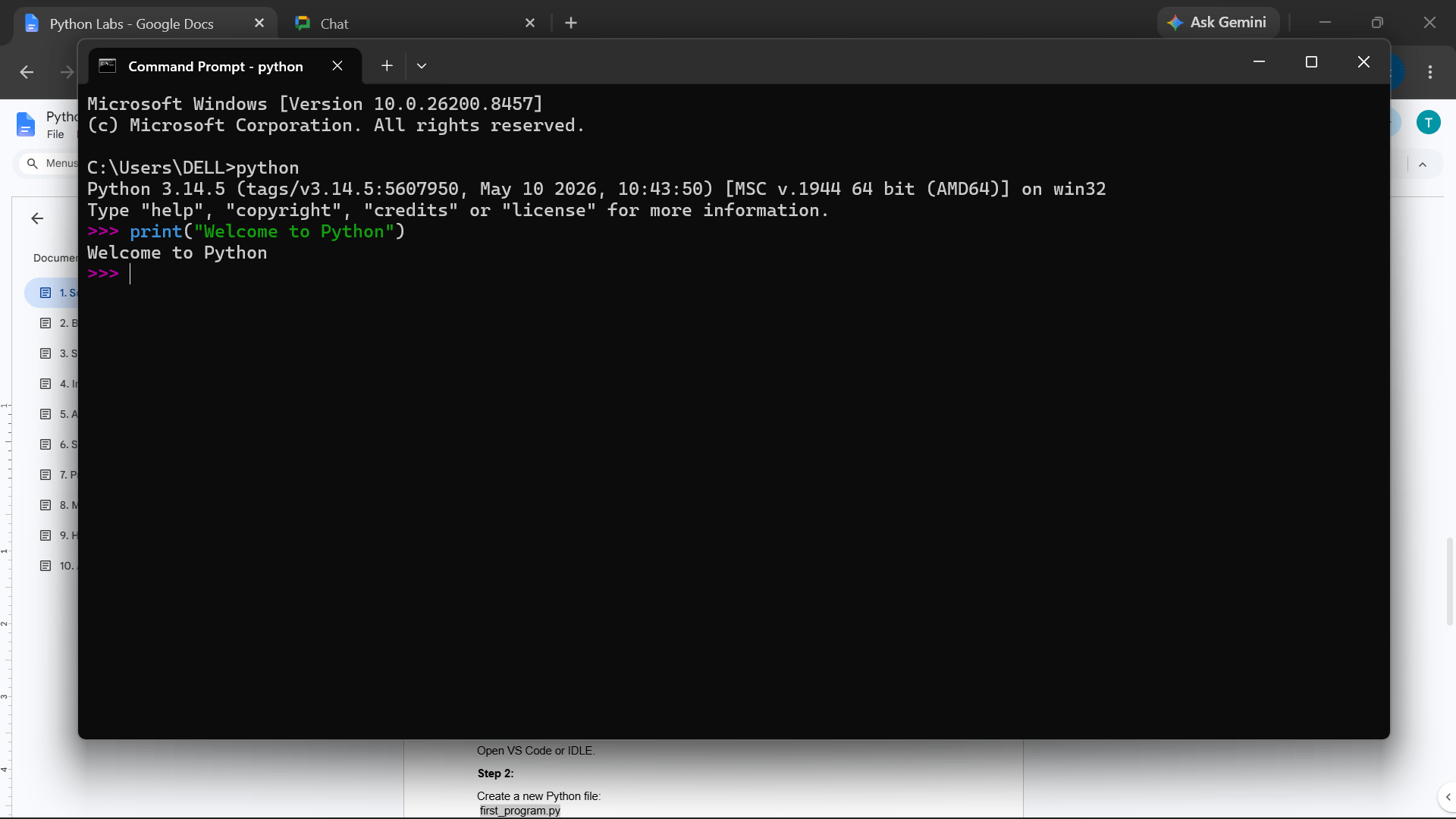
Execute the following command
4
print("Welcome to Python")Observe the output generated
5
Task 6: Executing Basic Python Scripts
1
Open IDLE
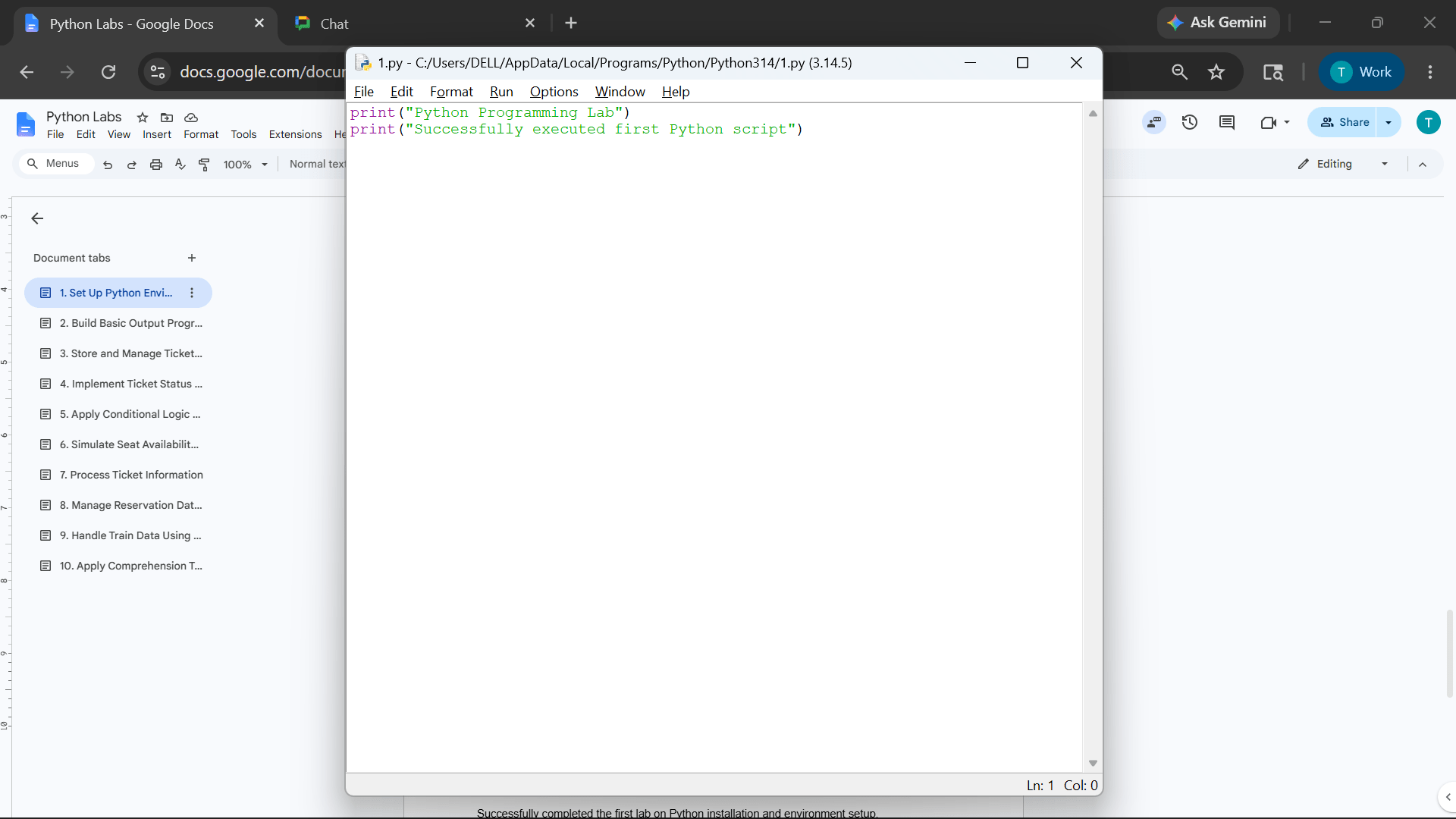
Write the following program
2
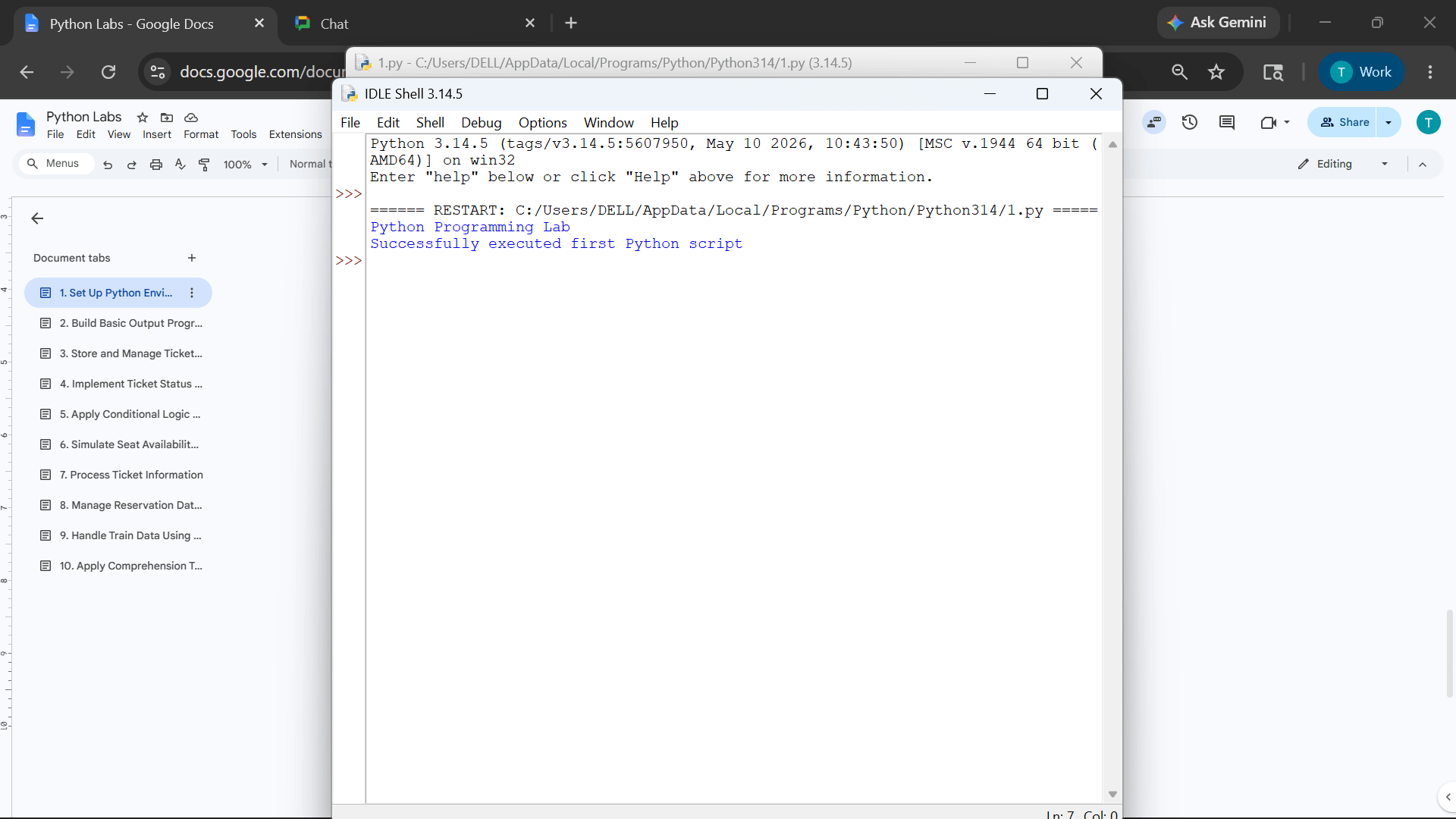
print("Python Programming Lab")
print("Successfully executed first Python script")
Run the script and observe the output generated
3
Great job!
You have successfully completed Python installation and Explored different Python development tools including IDLE, Jupyter Notebook and Visual Studio Code
Checkpoint
Git Push
git push origin branchNameNext-Lab Preparation
Topic: Python Foundations
1) Variables and Python operators
2) Data Types, Identifiers, Literals
3) Type Casting
4) Comments
By Content ITV