




Carmen Ansio
Design Systems at Stripe
.title {
  color: indigo;
  font-size: 4rem;
  text-align: center;
}
.indigo {
color: indigo;
}
.font-xlarge {
font-size: 4rem;
}
.text-center {
text-align: center;
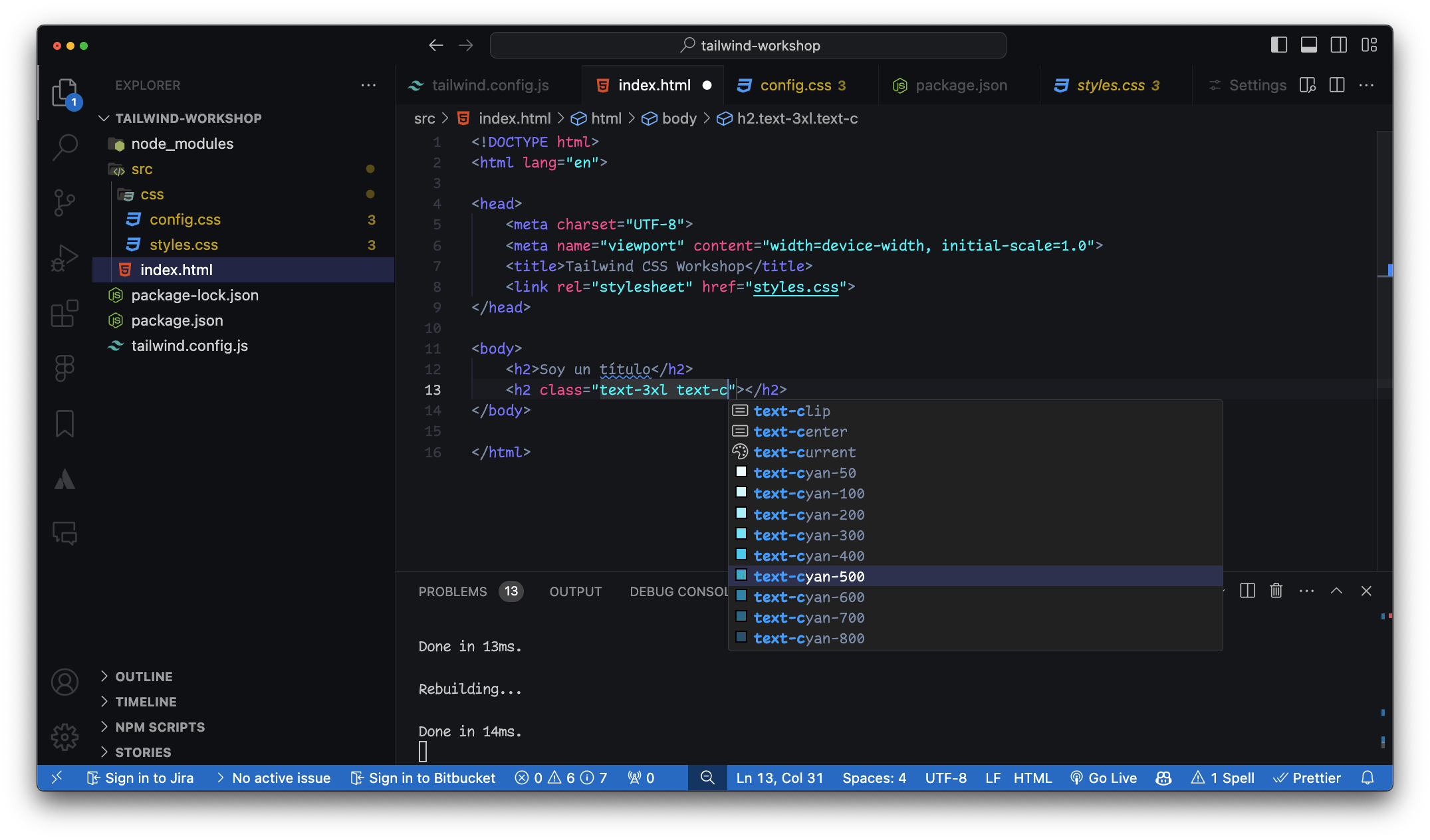
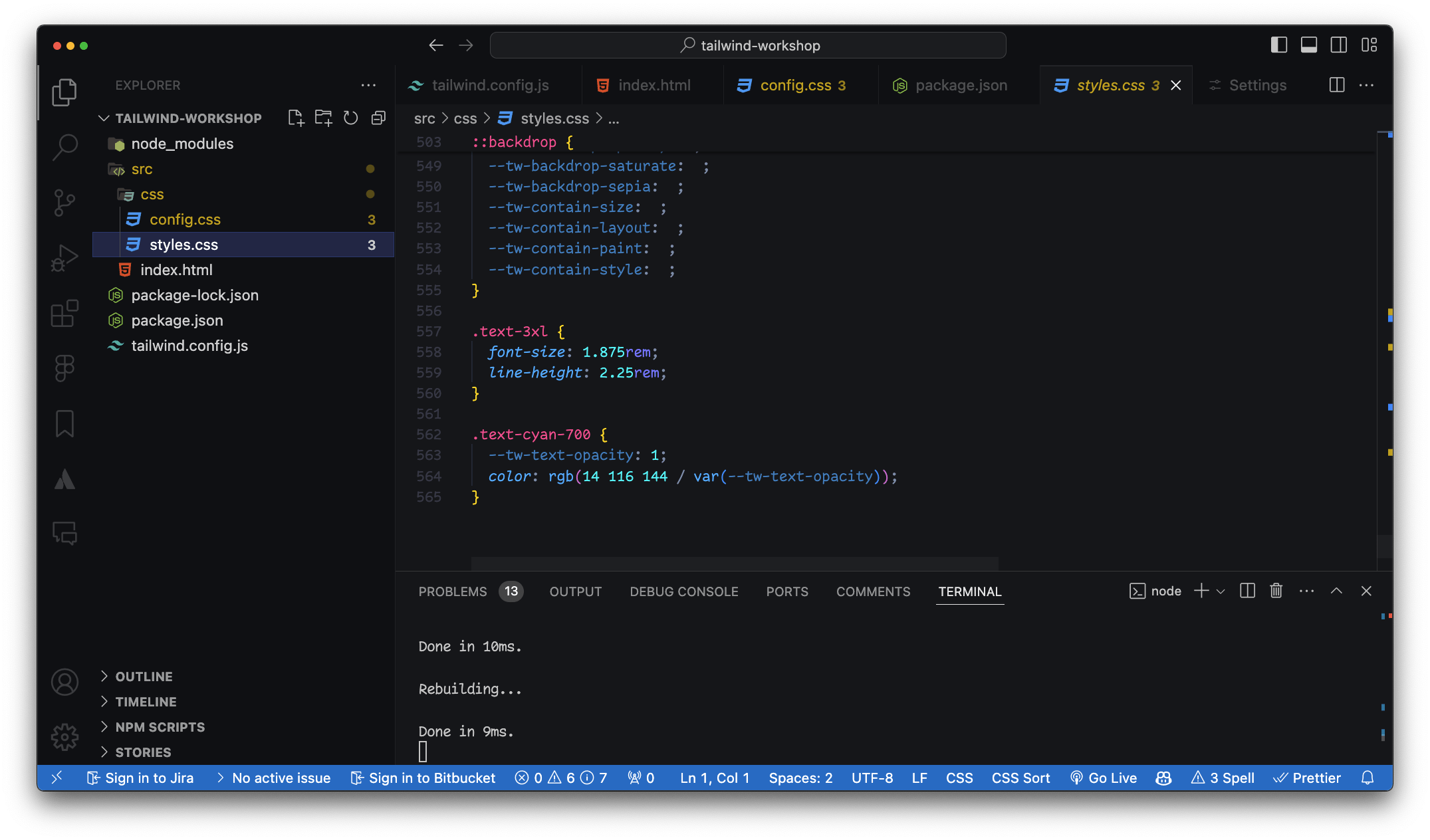
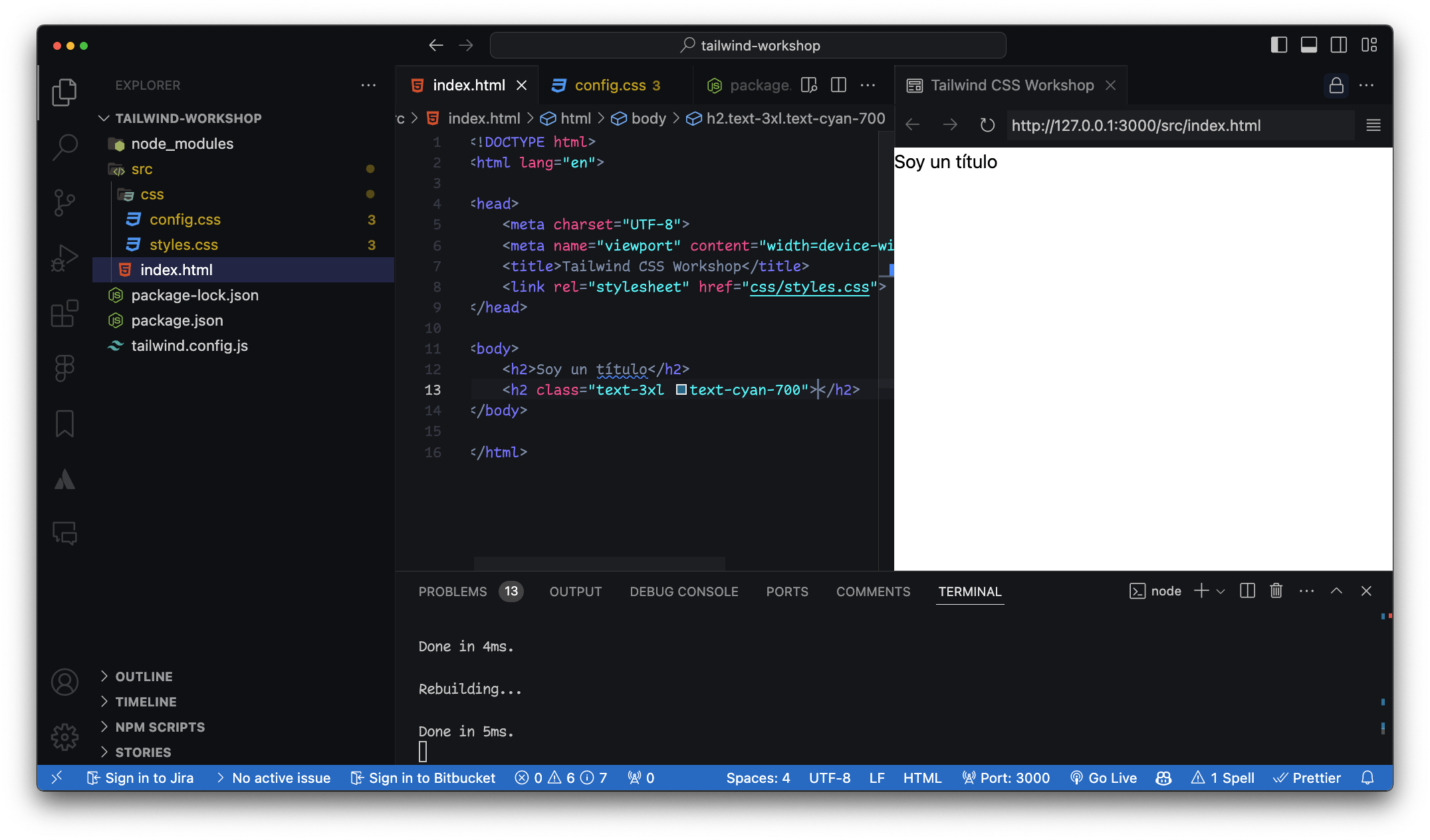
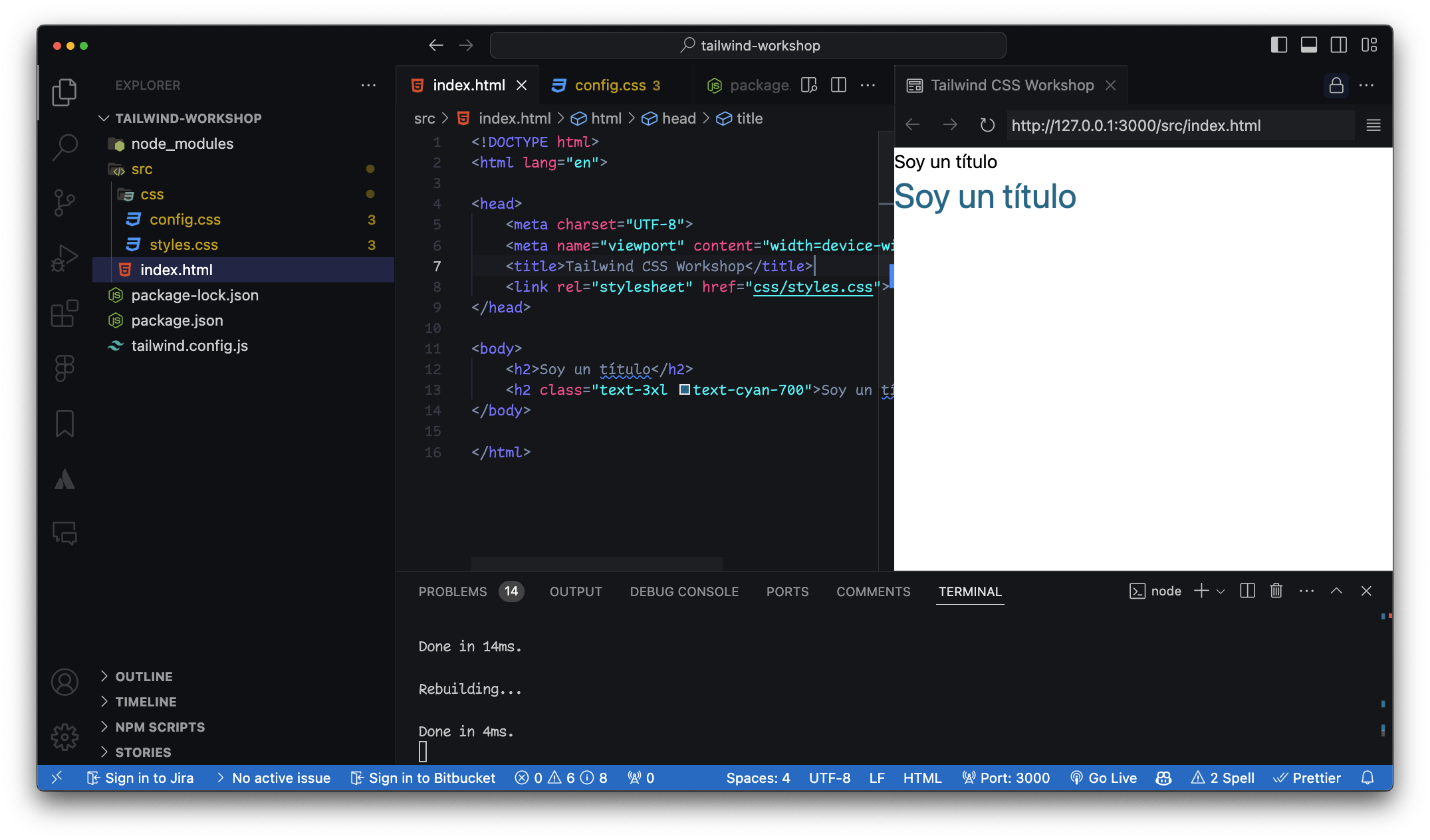
}<h2 class="title">Soy un título</h2>
<h2 class="indigo font-xlarge text-center">Soy un título</h2>/* style.css */
.btn {
background-color: blue;
color: white;
padding: 10px 20px;
border-radius: 5px;
}<!-- index.html -->
<button class="bg-blue-500 text-white py-2 px-4 rounded">
Button
</button>h2 con clases CSS y de utilidad
Botones animados
/** @type {import('tailwindcss').Config} */
module.exports = {
  content: [],
  theme: {
    extend: {},
  },
  plugins: [],
}
/** @type {import('tailwindcss').Config} */
module.exports = {
  content: ["./src/**/*.{html,js}"],
  theme: {
    extend: {},
  },
  plugins: [],
}
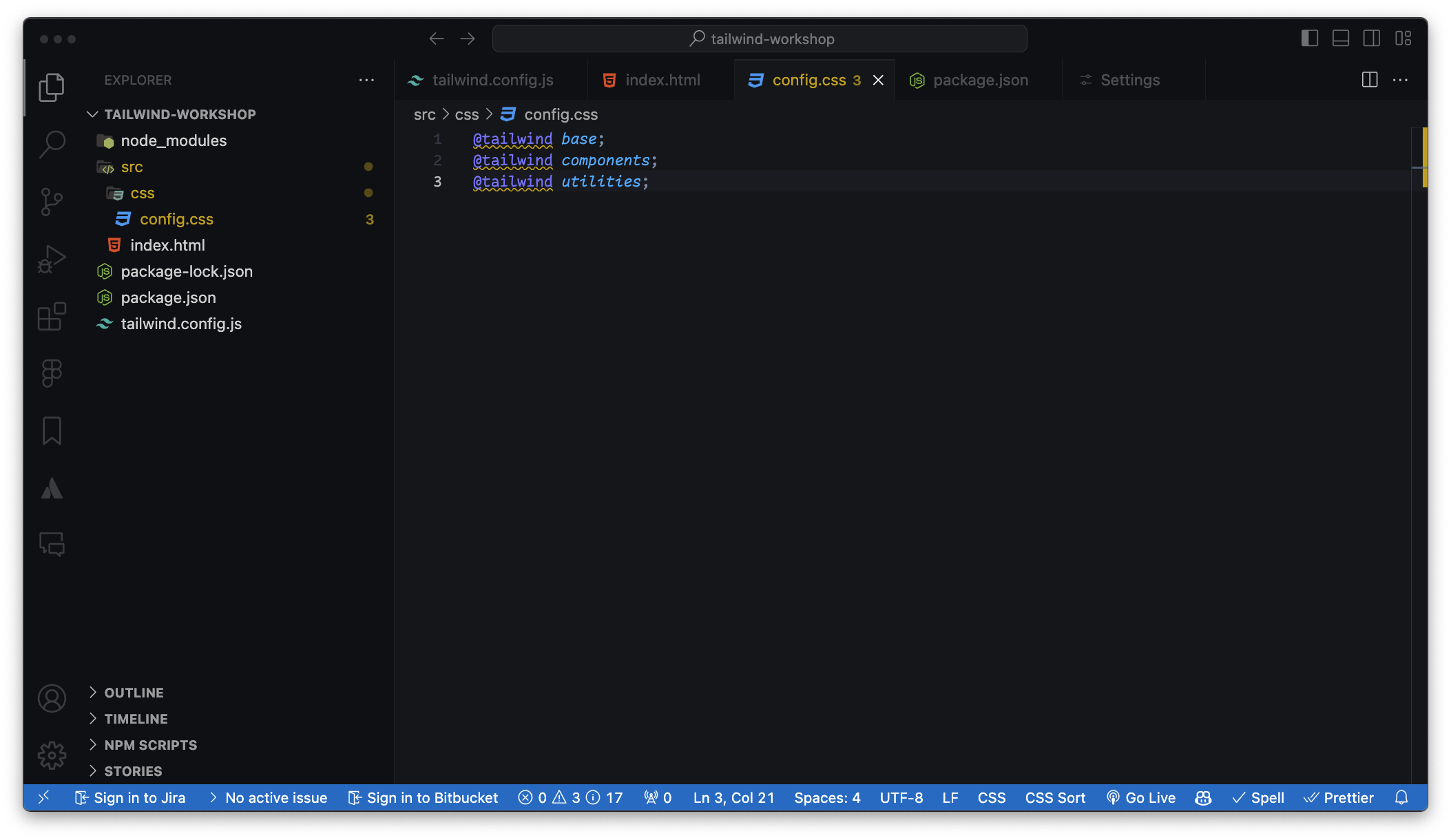
Crear carpeta CSS con las 3 directivas
@tailwind base;
@tailwind components;
@tailwind utilities;
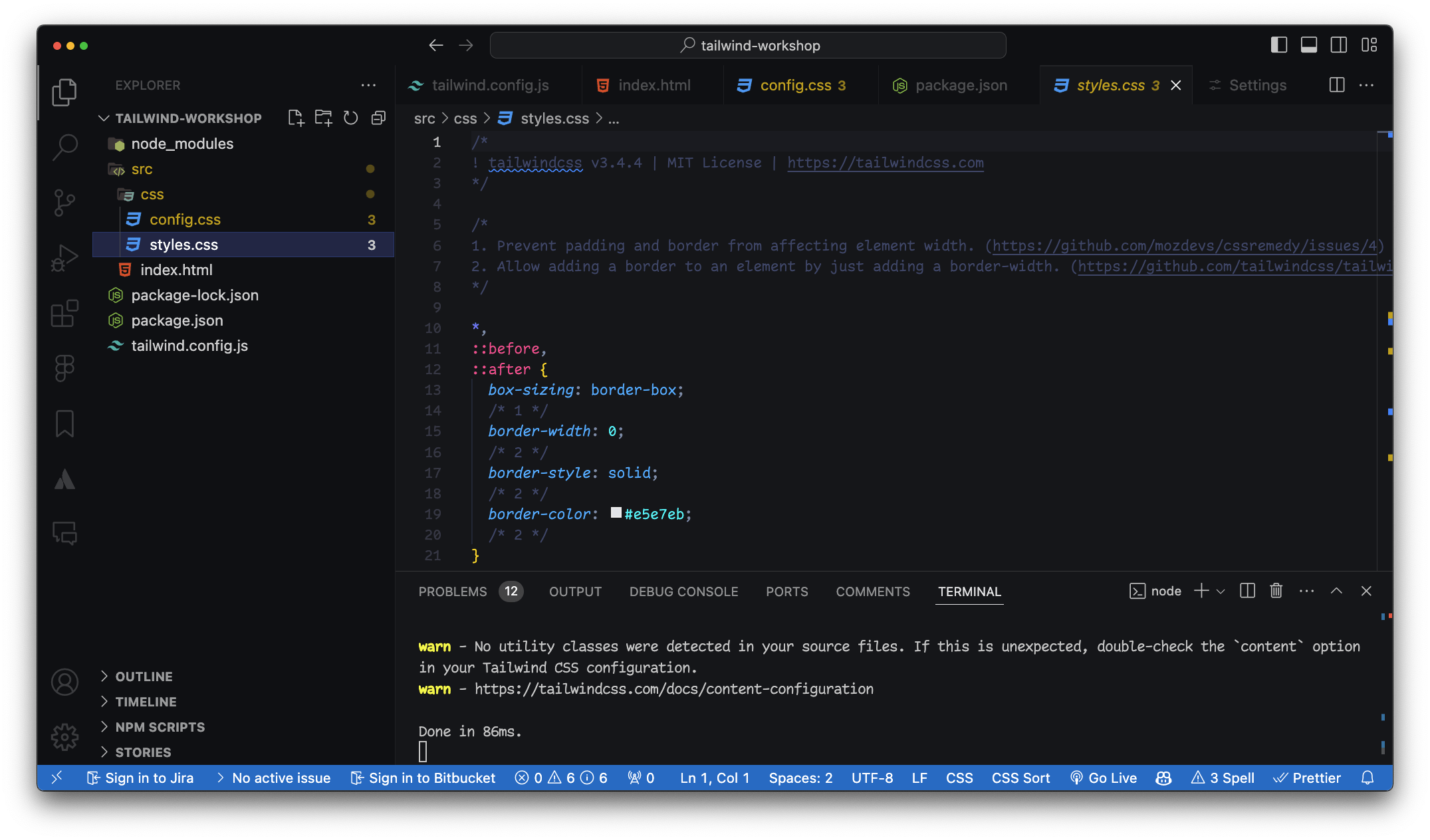
npx tailwindcss -i ./src/input.css -o ./src/output.css --watch--watch 👀content: ["./src/**/*.{html,js}"]Estilos de la directiva @base
<link rel="stylesheet" href="styles.css">class="text-[#DC2024]"class="text-[200px]"class="bg-teal-700"class="bg-teal-700/60"class="bg-[patatablue]/80"class="static fixed absolute relative sticky"class="inset-0 inset-x-0 inset-y-0"Sufijo 1 == 4px0 al 96w-[202px].w-screen {
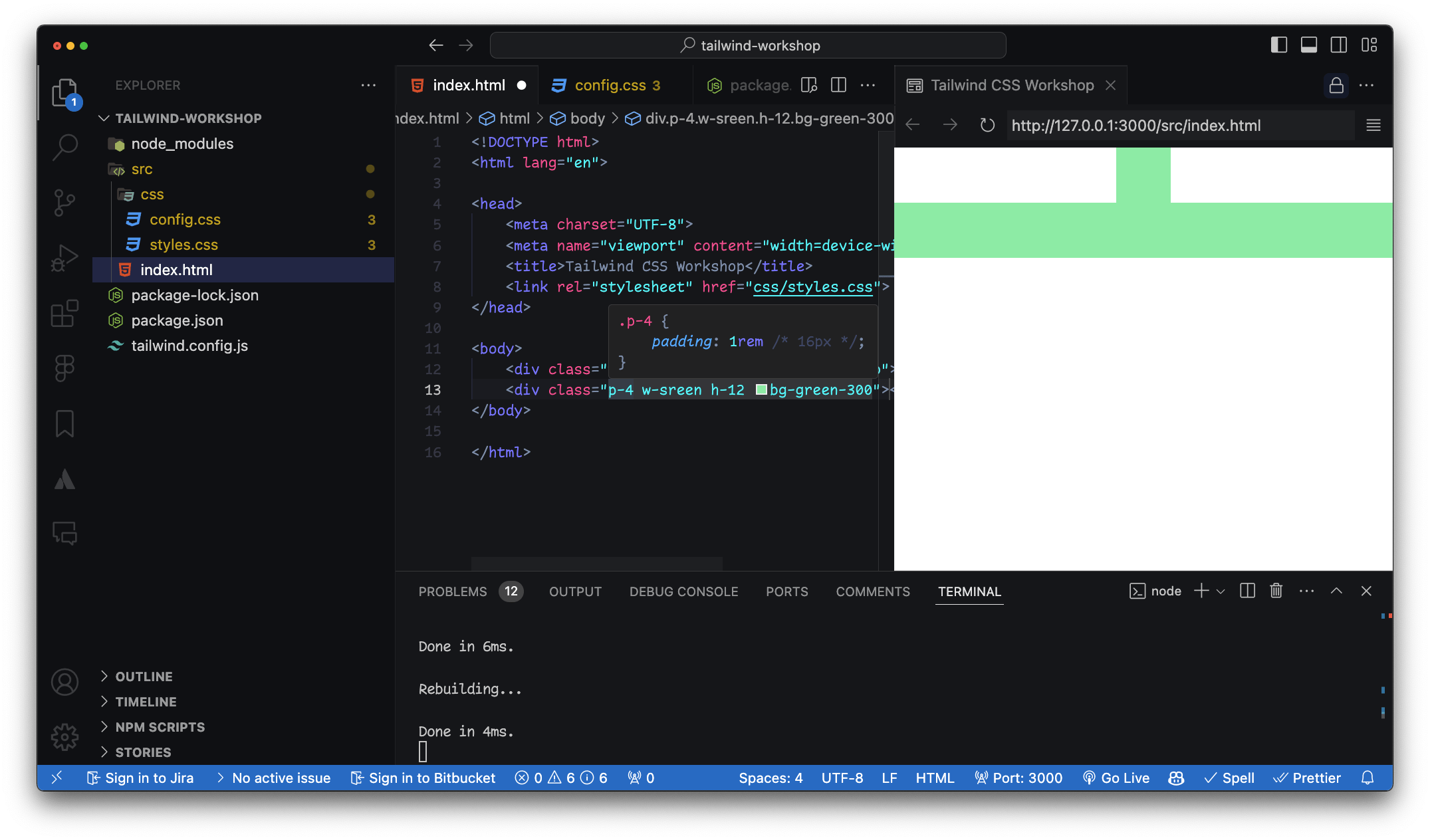
width: 100vw;
}
.h-screen {
height: 100vh;
}
.w-1/2 {
width: 50%;
}Sufijos extra
auto - auto
min - min-content
max - max-content
fit - fit-content
screen - 100vw / 100vh
full - 100%<section class="p-8 bg-green-400 group/section">
<figure class="w-72 h-80 relative top-24 left-16 overflow-hidden group/figure">
<p class="absolute inset-0 text-black bg-green-600/60 flex items-center justify-center font-semibold text-2xl z-20
    group-hover/figure:translate-y-0
    group-hover/section:bg-yellow-600/50
    transition">Este es un texto</p>
<img src="<https://via.placeholder.com/150>" class="w-full h-full object-cover relative" id="img">
</figure>
</section><section class="p-8 bg-green-400 group/section"><figure class="w-72 h-80 relative top-24 left-16 overflow-hidden group/figure"><p class="absolute inset-0 text-black bg-green-600/60 flex items-center justify-center font-semibold text-2xl z-20
group-hover/figure:translate-y-0
group-hover/section:bg-yellow-600/50
transition">Este es un texto</p><img src="<https://via.placeholder.com/150>" class="w-full h-full object-cover relative" id="img"><figure class="w-72 h-80 relative top-24 left-16 overflow-hidden group/figure"><p class="absolute inset-0 text-black bg-green-600/60 flex items-center justify-center font-semibold text-2xl z-20
group-hover/figure:translate-y-0
group-hover/section:bg-yellow-600/50
transition">Este es un texto</p>
<section class="group bg-green-400 p-8">
    <div class="relative overflow-hidden group-hover:bg-blue-600">
        <p class="text-white absolute inset-0 flex items-center justify-center
           transition transform translate-y-full group-hover:translate-y-0">
            Este es un texto
        </p>
        <img src="<https://via.placeholder.com/150>" class="w-full h-full object-cover">
    </div>
</section>/** @type {import('tailwindcss').Config} */
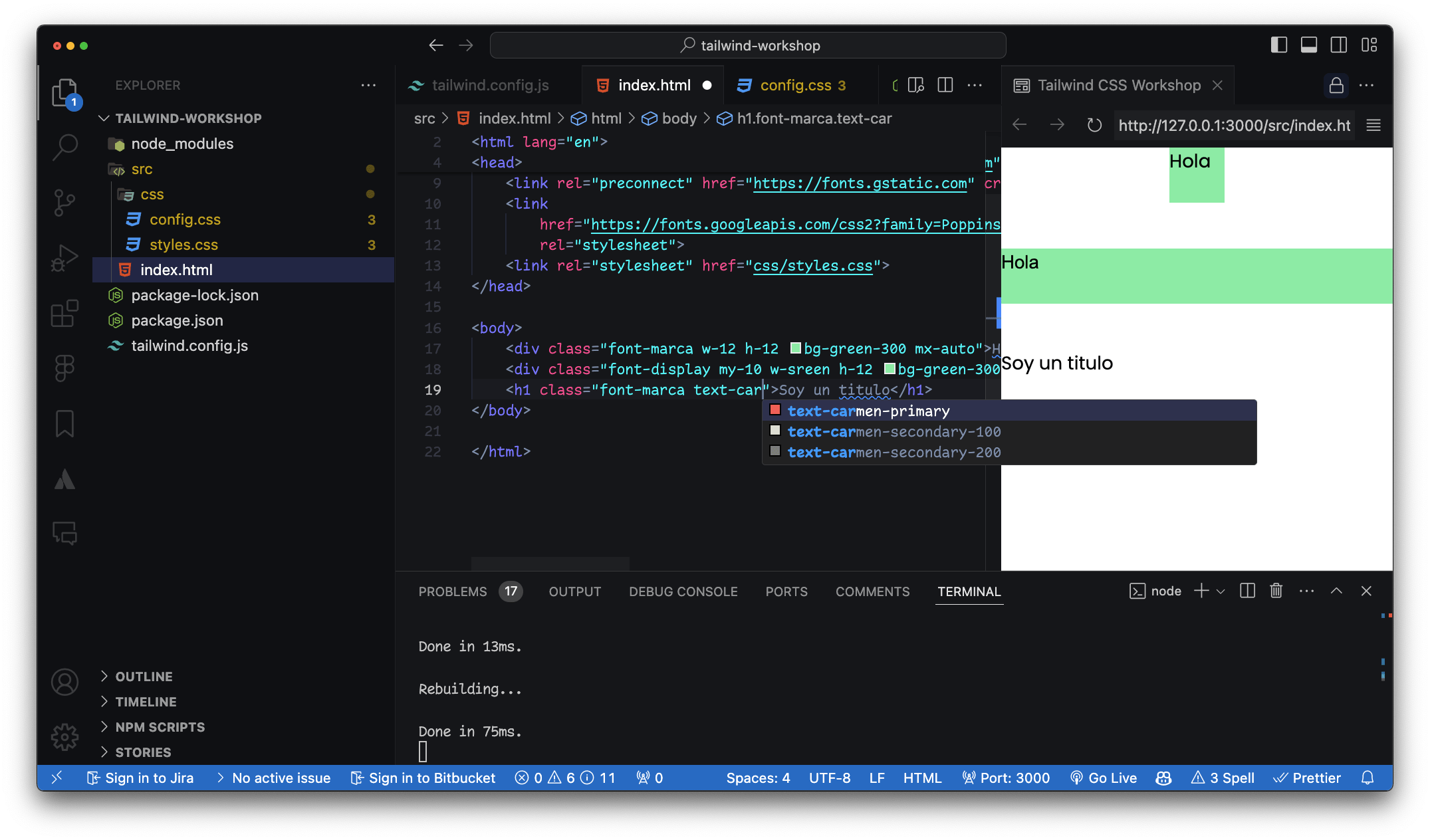
theme: {
extend: {
fontFamily: {
"display": ['"Arial", "sans-serif"'],
"marca": ['"Poppins", "sans-serif"'],
},
colors: {
"carmen-primary": "#FF6363",
"carmen-secondary": {
100: "#E2E2D5",
200: "#888883",
},
},
},
}<!-- index.html -->
<div class="bg-primary text-secondary p-4">
Custom Colors
</div>/* input.css */
.btn-custom {
@apply bg-primary text-white py-2 px-4 rounded-lg shadow-lg;
}
<!-- index.html -->
<button class="btn-custom">
  Custom Button
</button>
<!-- index.html -->
<div class="bg-blue-500 p-4 sm:bg-green-500 md:bg-red-500 lg:bg-yellow-500 xl:bg-purple-500">
  Responsive Box
</div>class="w-[90%]"<!-- index.html -->
<button class="bg-blue-500 text-white py-2 px-4 rounded transition duration-500 ease-in-out transform hover:bg-red-500 hover:scale-105">
Hover me
</button>// tailwind.config.js
module.exports = {
plugins: [
require('@tailwindcss/forms'),
require('@tailwindcss/typography'),
],
}// tailwind.config.js
module.exports = {
theme: {
extend: {
spacing: {
'72': '18rem',
'84': '21rem',
'96': '24rem',
},
},
},
}<!-- index.html -->
<div class="w-72 h-84 bg-gray-200">
Custom Spacing
</div><!-- index.html -->
<input class="border-2 border-gray-300 focus:border-blue-500 focus:outline-none" type="text" placeholder="Focus me"><!-- index.html -->
<div class="text-sm sm:text-base md:text-lg lg:text-xl xl:text-2xl">
Responsive Text
</div><!-- index.html -->
<div class="grid grid-cols-3 gap-4">
<div class="bg-blue-500 p-4">1</div>
<div class="bg-green-500 p-4">2</div>
<div class="bg-red-500 p-4">3</div>
</div>@layer components {
.btn {
@apply bg-blue-500 text-white font-bold py-2 px-4 rounded;
}
.my-area {
grid-template-areas:
"header"
"navigation"
"social-media"
"logo"
"footer";
}
.my-area-md {
grid-template-areas:
"logo header navigation"
"social-media navigation footer"
;
}
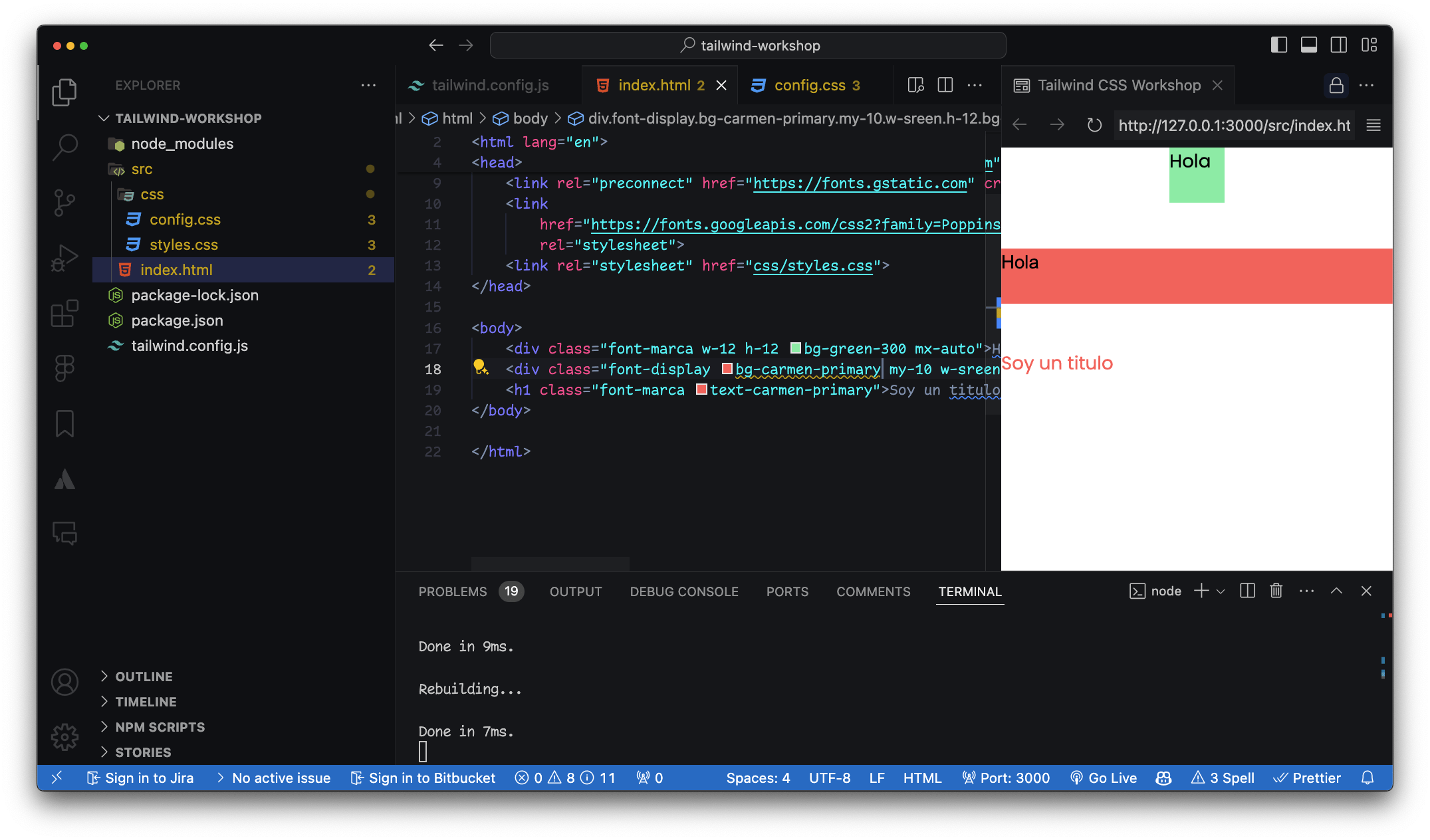
}<link rel="preconnect" href="https://fonts.googleapis.com">
<link rel="preconnect" href="https://fonts.gstatic.com" crossorigin>
<link href="https://fonts.googleapis.com/css2?family=Poppins:ital,wght@0,100;0,200;0,300;0,400;0,500;0,600;0,700;0,800;0,900;1,100;1,200;1,300;1,400;1,500;1,600;1,700;1,800;1,900&display=swap" rel="stylesheet">/** @type {import('tailwindcss').Config} */
module.exports = {
content: ["./src/**/*.{html,js}"],
theme: {
extend: {
fontFamily: {
"display": ['"Arial", "sans-serif"'],
"marca": ['"Poppins", "sans-serif"'],
}
},
},
plugins: [],
}By Carmen Ansio


